 Documentation
Get BXI Elf3 standing and walking
From unboxing and power-on to starting, walking and stopping with the controller.
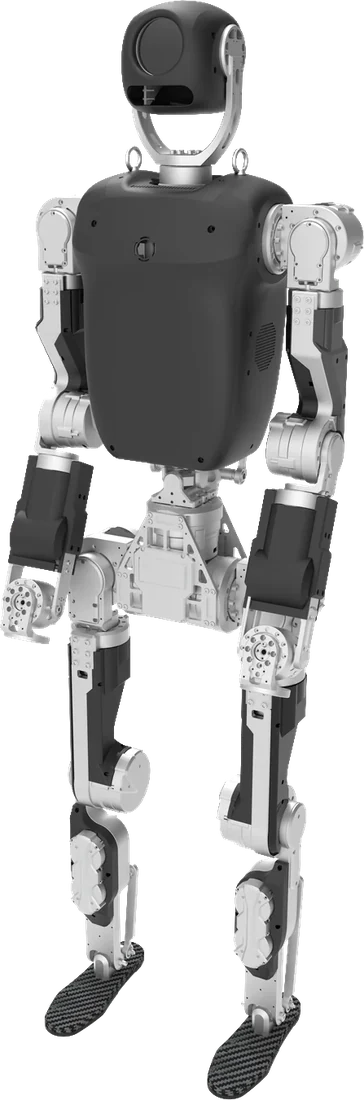
What you need
Make sure you have everything before you start.

Steps
 2
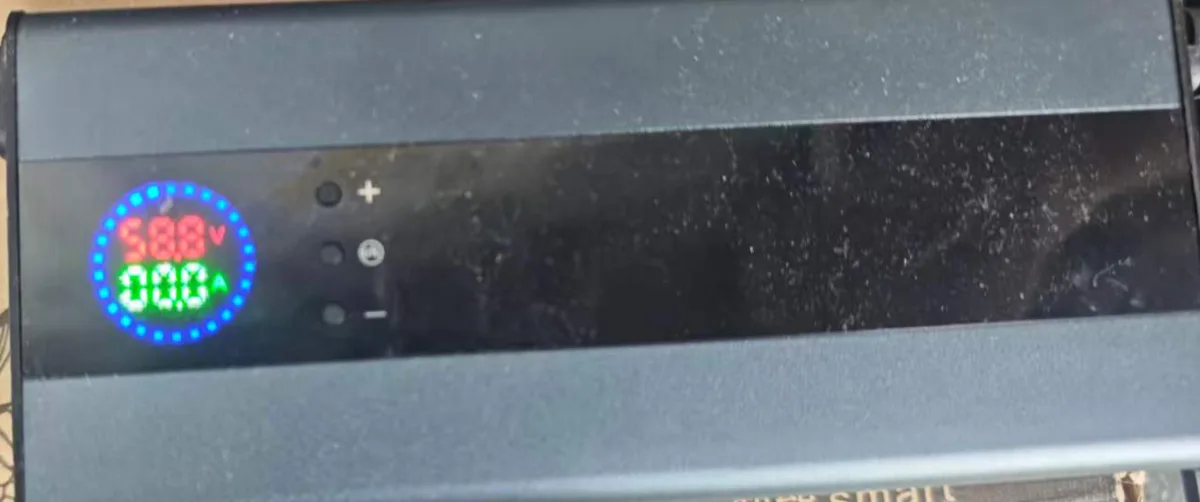
Power on, read the voltage
Trust the voltage, not the bar.
- 55 V+before movingcharge first below 50 V3
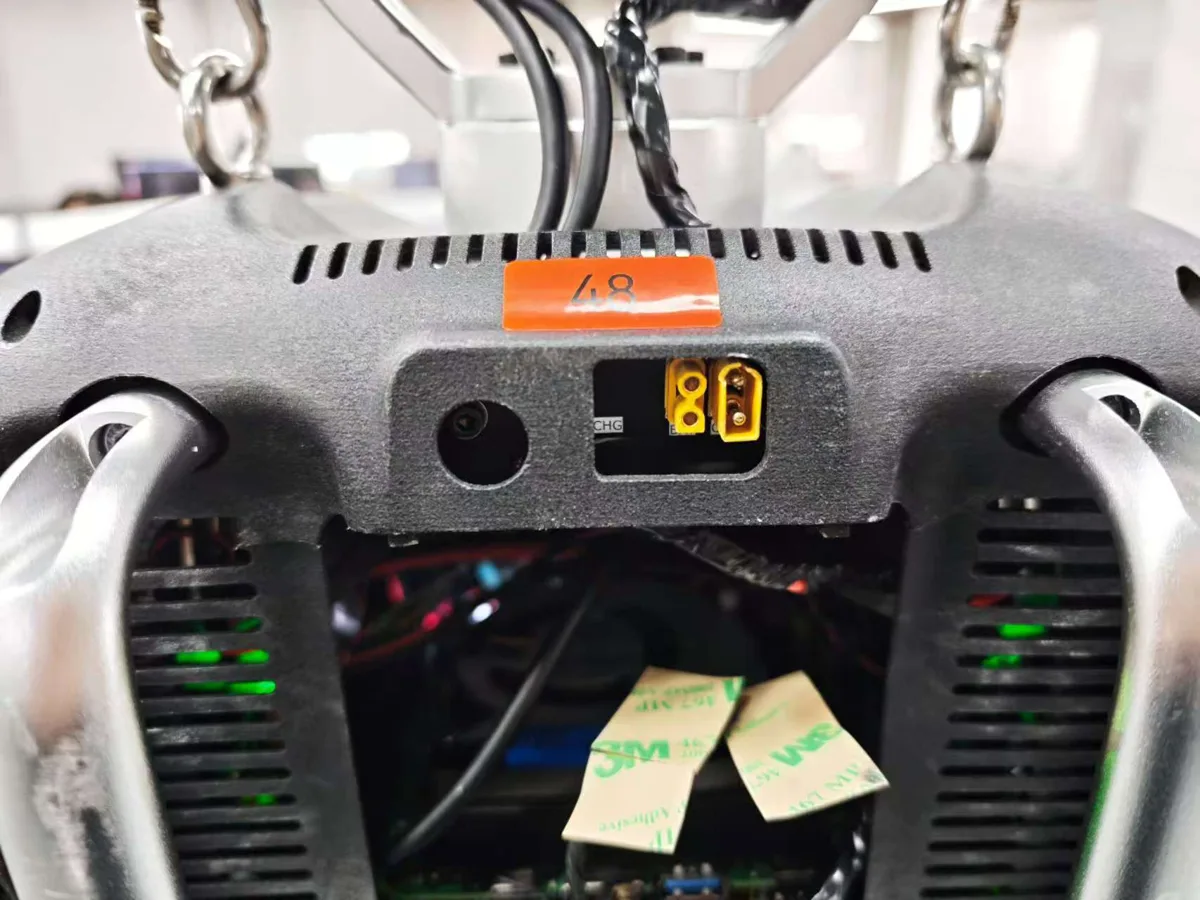
Charge if low
Check the charger outputs 58.8 V first.
- 4
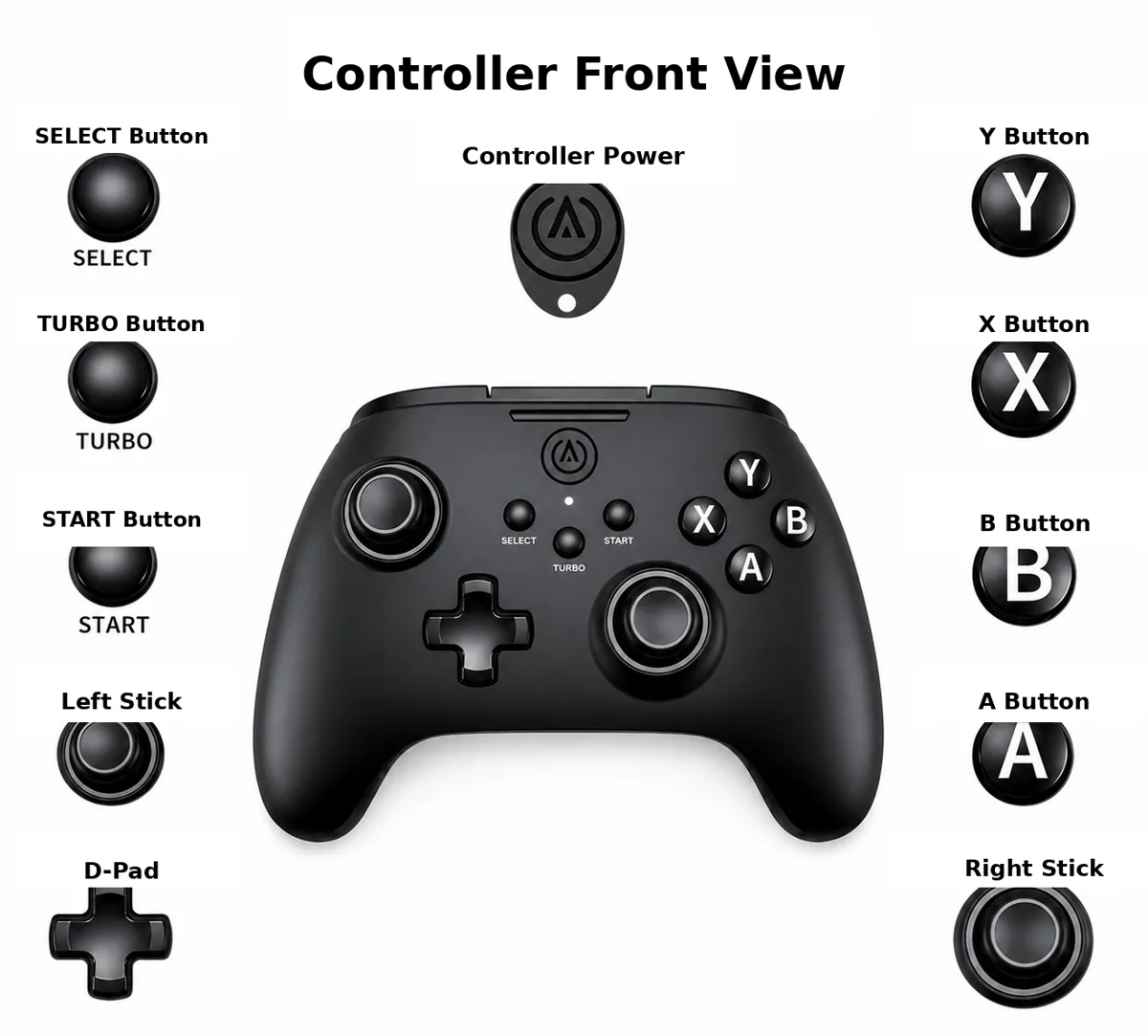
Connect the controller
Hold the Xbox button until the light stays on.
- R3Press the right stickwait ~30 s after boot5
Start the controller
Chest light on; wait 10 s for self-check.
- RB + BHome pose6
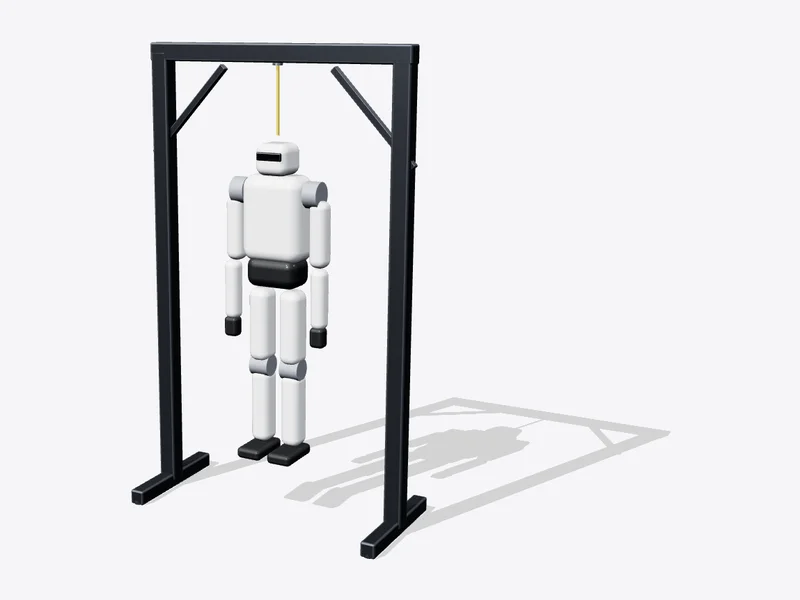
Home pose, then stand
Still hanging, put both feet on the floor.
- RB + XWalk mode
- StartTorque off8
Stop
It collapses: hang it or place a chair first.
!
Stay out of the robot's reach while it moves, and unplug all cables (including charging) first.
✓
DoneDone when it walks in walk mode and stops safely with Start.