 Documentation
Using Wuji Hand 2 and Wuji Glove with the dual-arm system
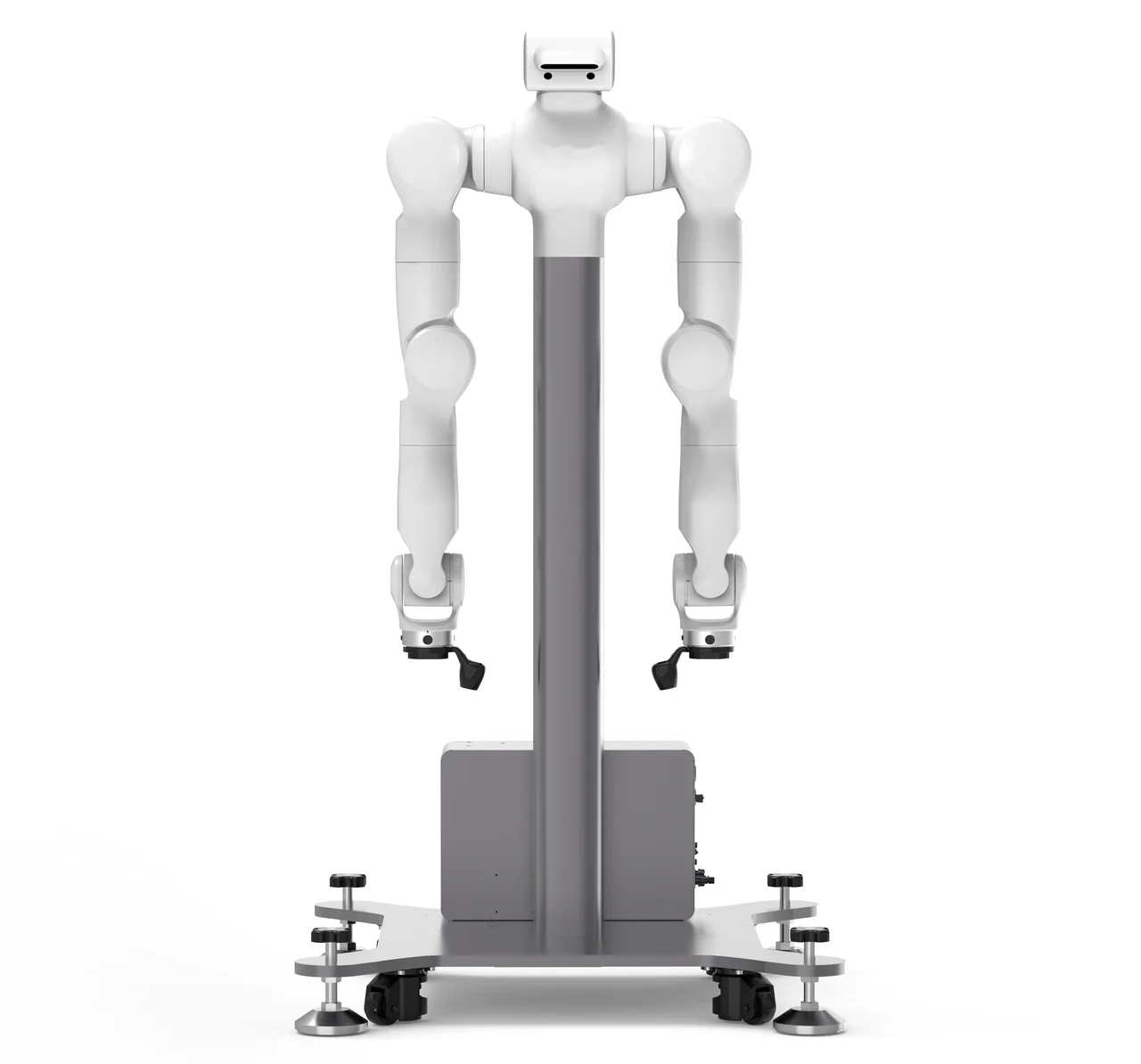
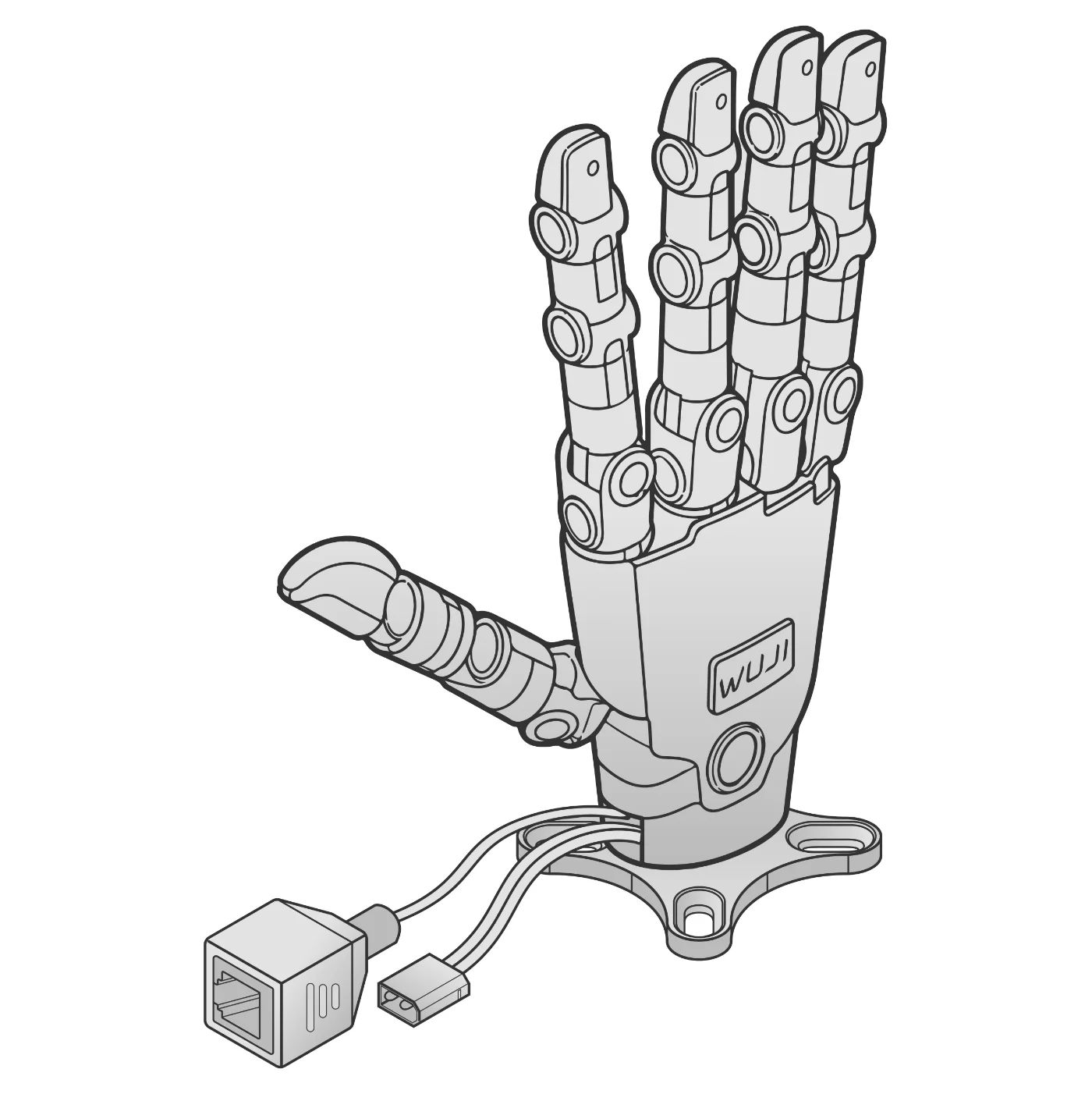
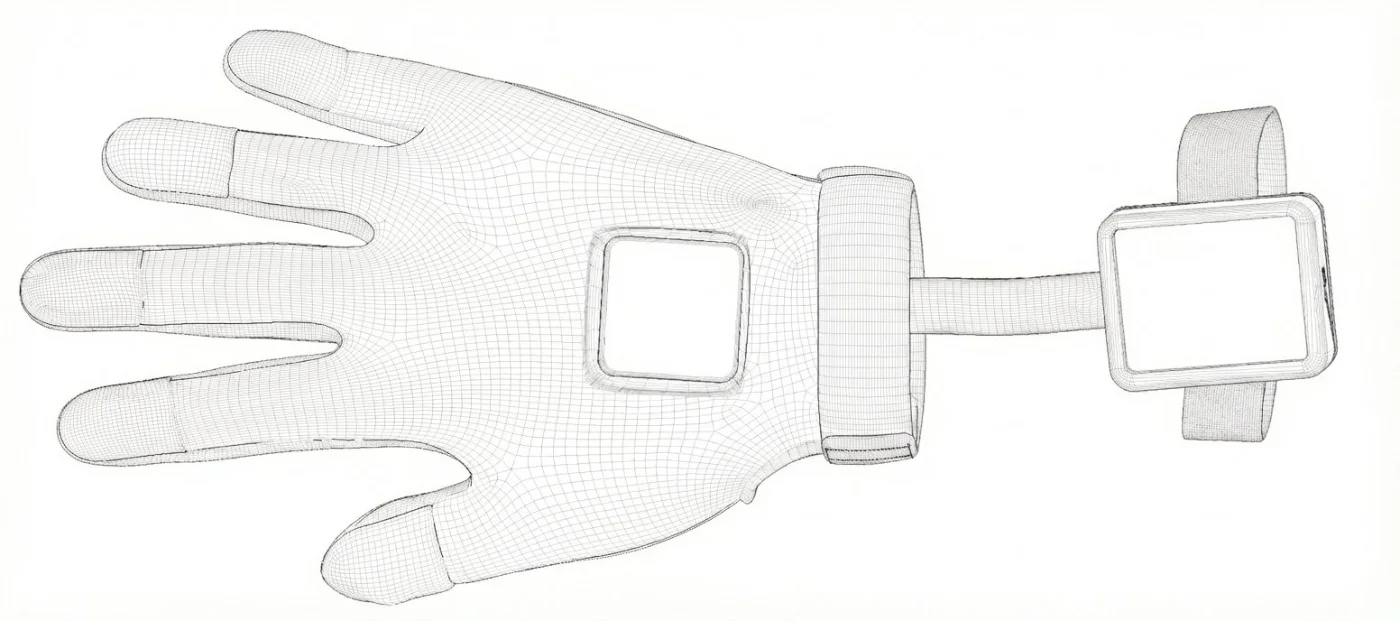
In the standard dual-arm configuration, Wuji Hand 2 is mounted on both arms and the operator teleoperates arms and hands together with Wuji Gloves and VR. Assembly, wiring and network settings are completed before shipping. This page summarizes the architecture and what to check when mounting or replacing hands later.
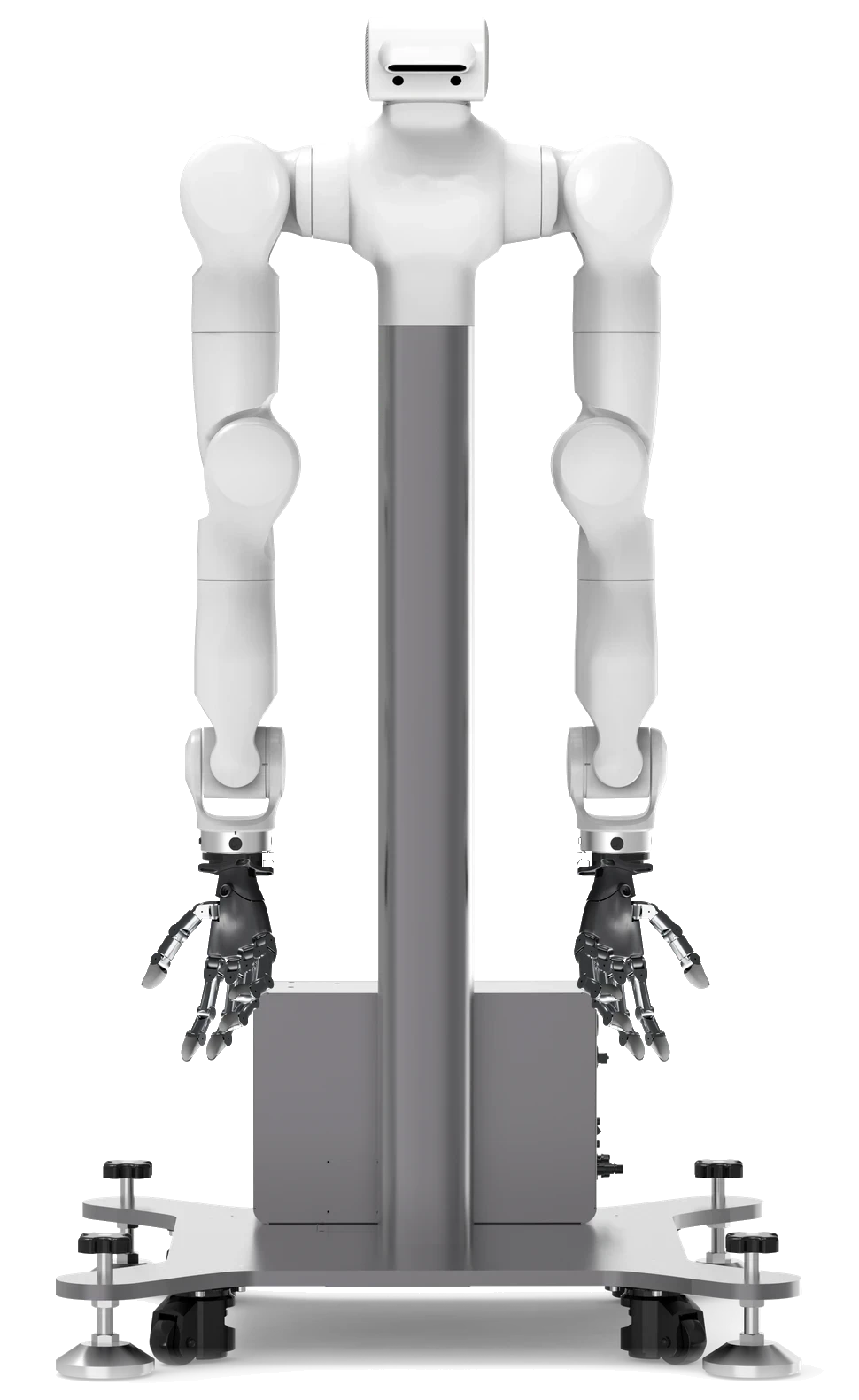
What you need
Make sure you have everything before you start.
Steps
- 1
The setup
VR moves the arms, gloves move the fingers.
- PC192.168.1.50
 HUB
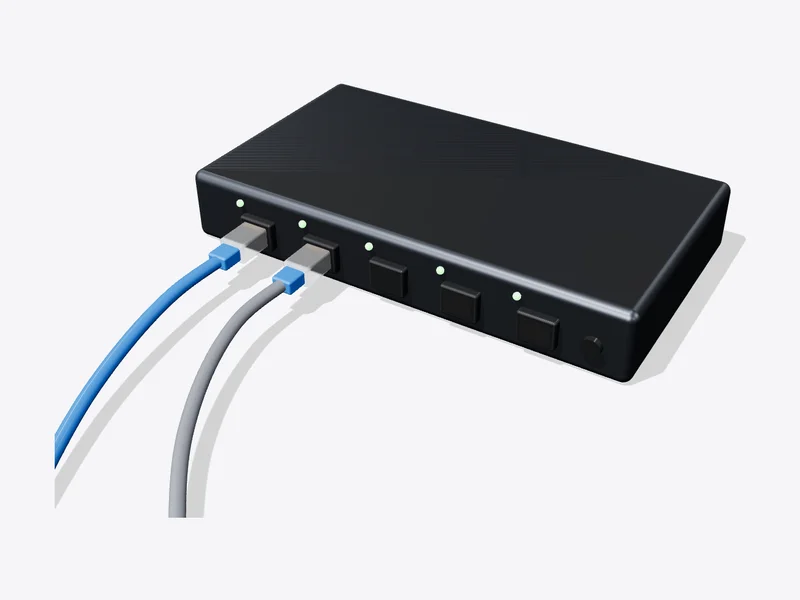 Hand L.110Hand R.111Glove L.100Glove R.1012
Hand & glove addresses
All on 192.168.1.x. Arms and VR on 6.6.x.
- Teleop inputInput deviceMulti-finger handEnableFoot pedalModeIncremental
 4
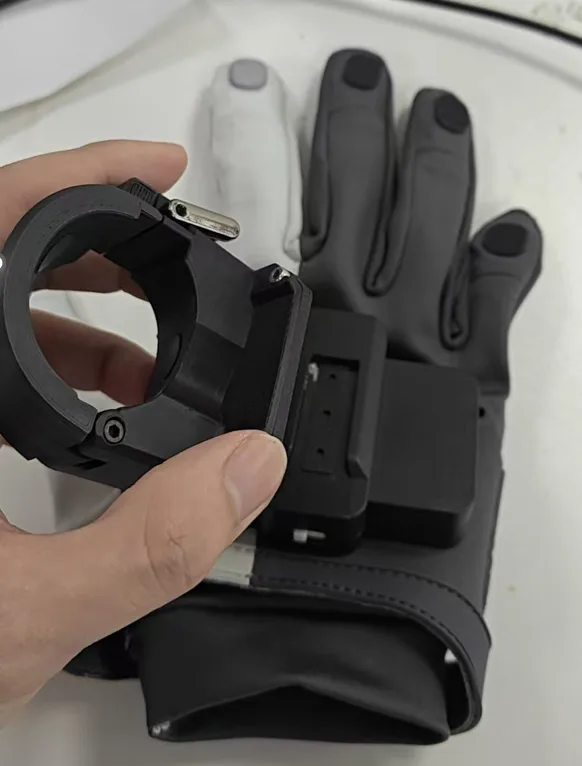
Controller on the glove
Fix it on the back of the glove.
 5
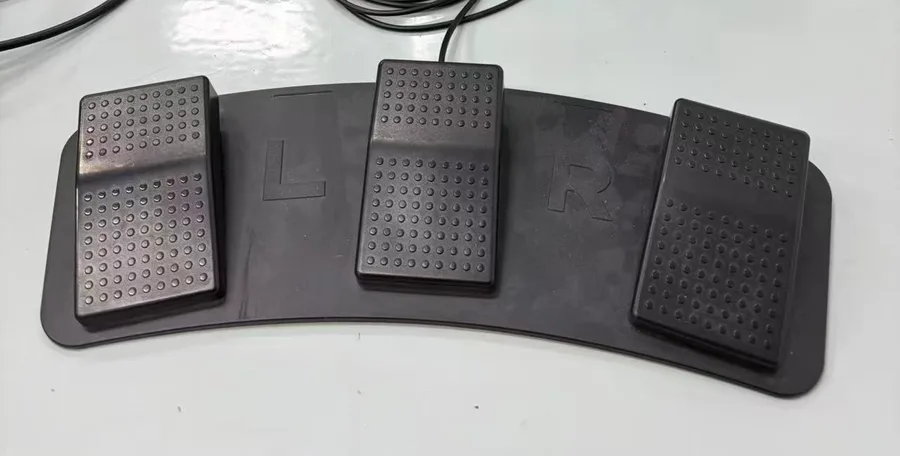
Moves only while pressed
Pedal = arms follow; fingers follow the gloves.
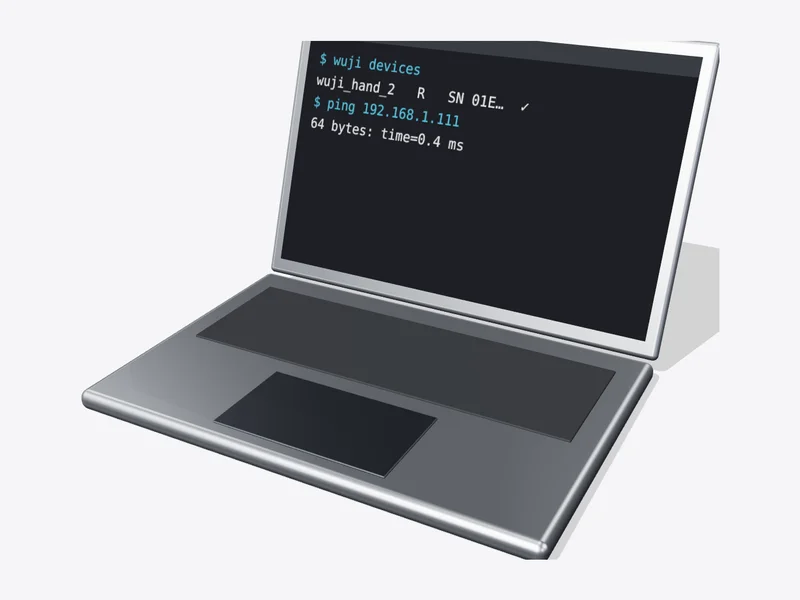
- Terminal$ wuji devices# hand L/R ✓ glove L/R ✓
Never press the right controller menu button while holding the pedal; the arms may drop or collide.
DoneDone when the pedal drives the arms and the gloves drive the fingers.
Hand power
The hands need a dedicated 12 V, ≥ 200 W supply (separate from the 24 V tool power). Ask HumansX before mounting or replacing hands yourself.