 Documentation
Driving Wuji Hand 2 with Apple Vision Pro or a camera
Retarget hand motion from Vision Pro, RealSense or video to the hand, without a glove.
What you need
Make sure you have everything before you start.
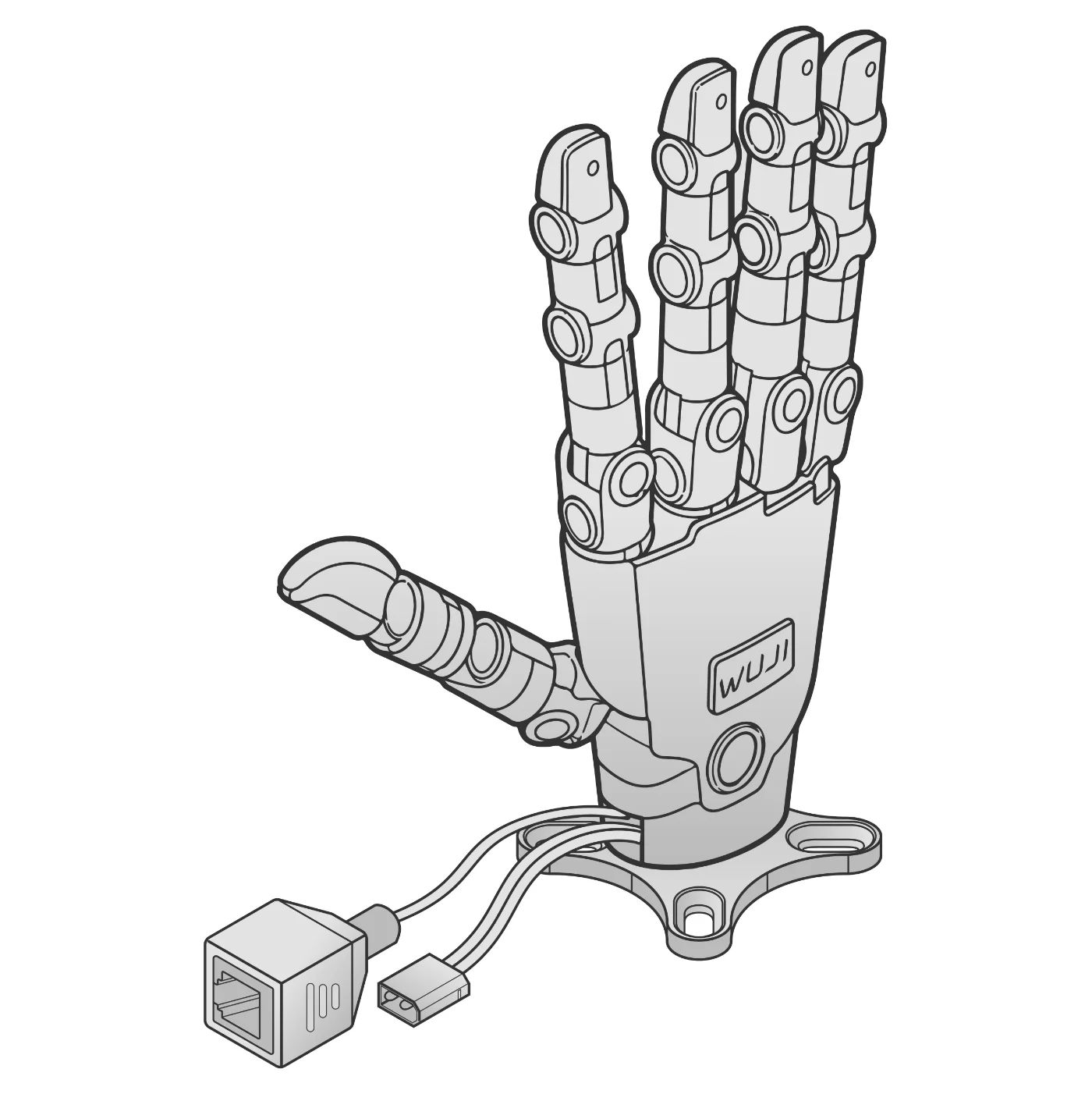
Steps
- Vision ProWi-Fi→PCretargeting
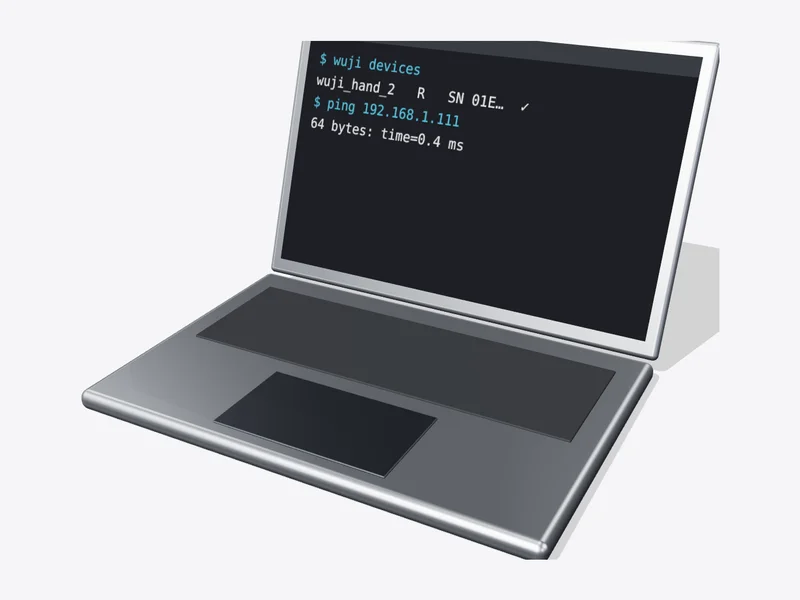 →Hand 2Ethernet1
How it works
Hand motion → 20 joint angles.
- Terminal$ git clone --recurse-submodules https://github.com/wuji-technology/wuji-retargeting.git$ cd wuji-retargeting && git lfs pull$ pip install -r requirements.txt && pip install -e .
- Tracking StreamerStatusStreamingIP192.168.x.x3
Find the IP
Shown in Tracking Streamer on Vision Pro.
- Terminal$ cd example$ python teleop_sim.py --input visionpro --ip <IP> --hand left4
Simulation first
Check the on-screen hand follows you.
- Terminal$ python teleop_real.py --input visionpro --ip <IP> --hand left
✓
DoneDone when the hand follows your Vision Pro hand. For new projects, Wuji Glove teleoperation is recommended.