 Documentation
Start your first RAI-P4 exercise
Connect from a PC and prepare the speech, language and vision exercise environment.
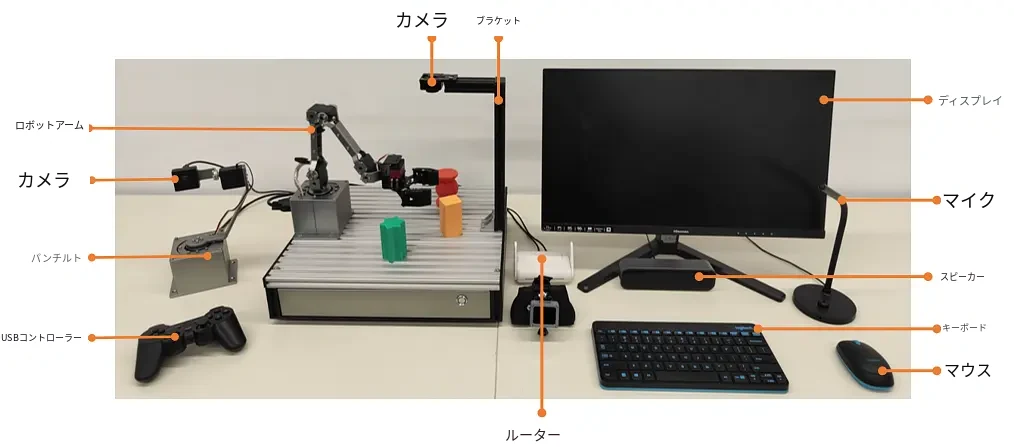
What you need
Make sure you have everything before you start.

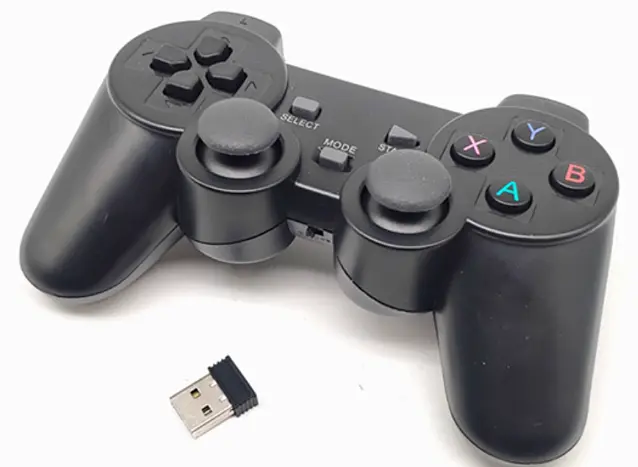
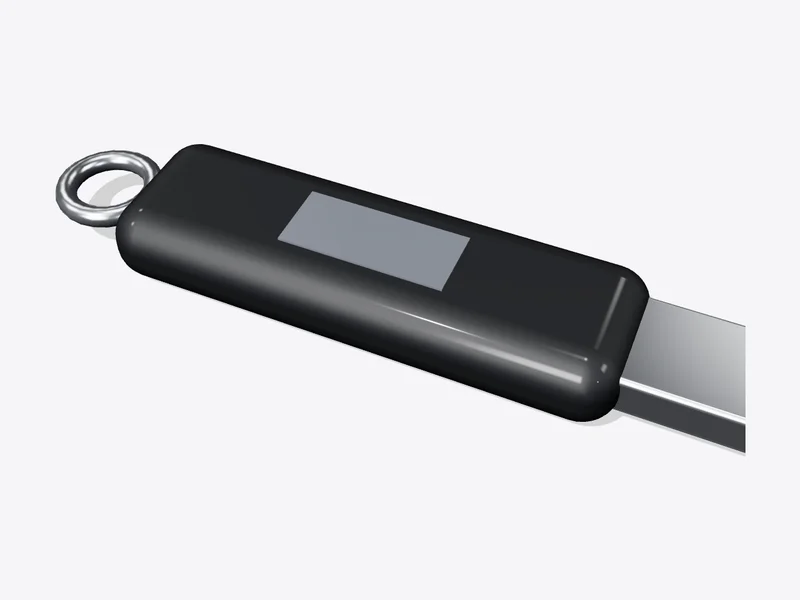
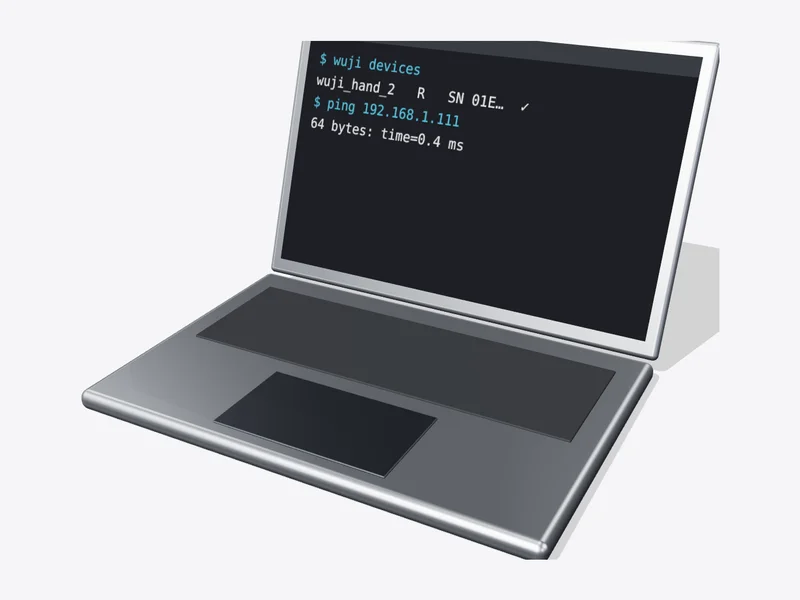
Steps
 1
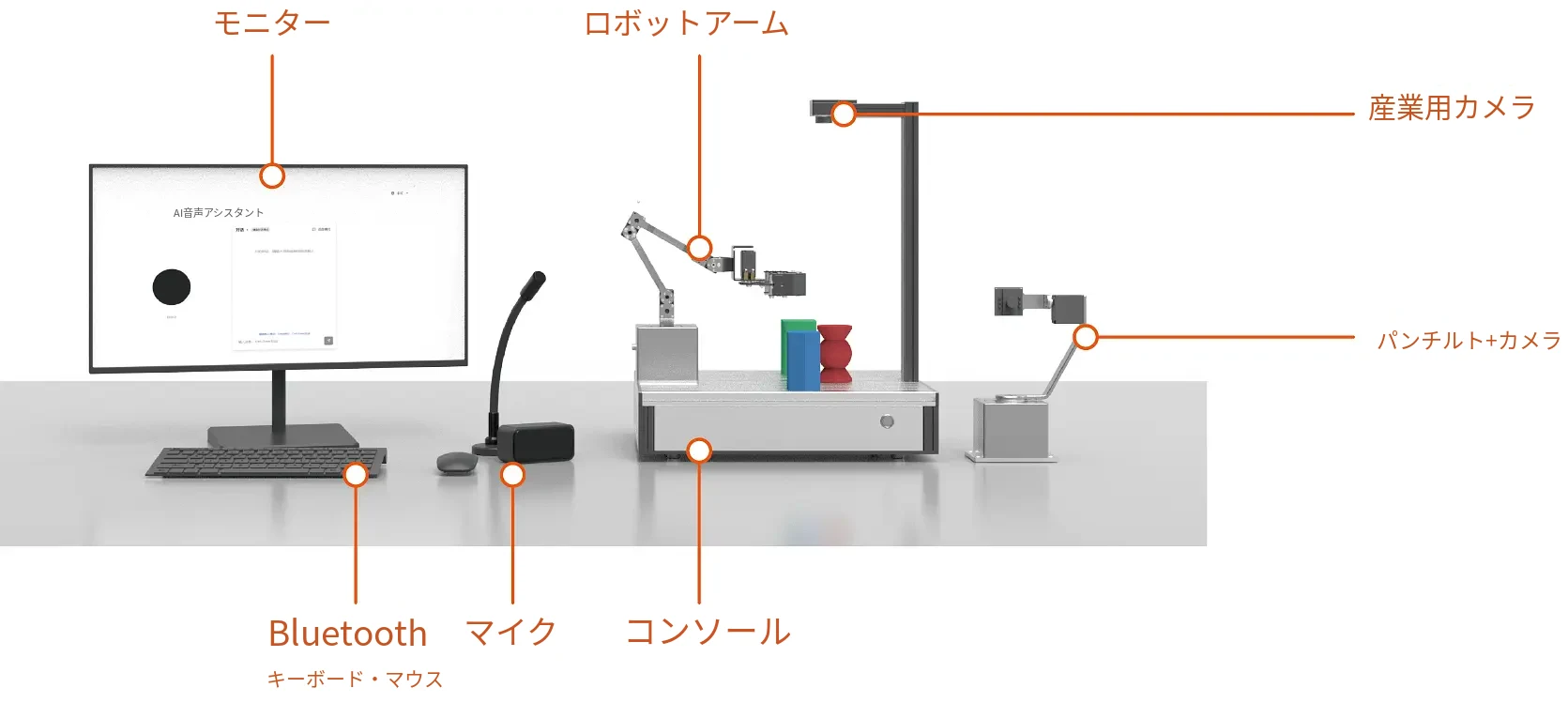
The platform
Listen, think, see and move — in one kit.
- PC192.168.8.xRAI-P4192.168.8.1112
Same network
Put the PC and RAI-P4 on one network.
- Terminal$ ssh sunrise@192.168.8.111# password: sunrise3
Log in
Connect from the PC terminal.
- Terminal$ git clone <URL provided by HumansX>$ cp -r /media/<USB>/models ~/RAI-P4/asr/
- .envLLM API key••••••TTS App ID••••••TTS Token••••••
✓
DoneReady when you can log in and ASR, LLM and TTS are configured.