 Documentation
Teleoperate Wuji Hand 2 with Wuji Glove
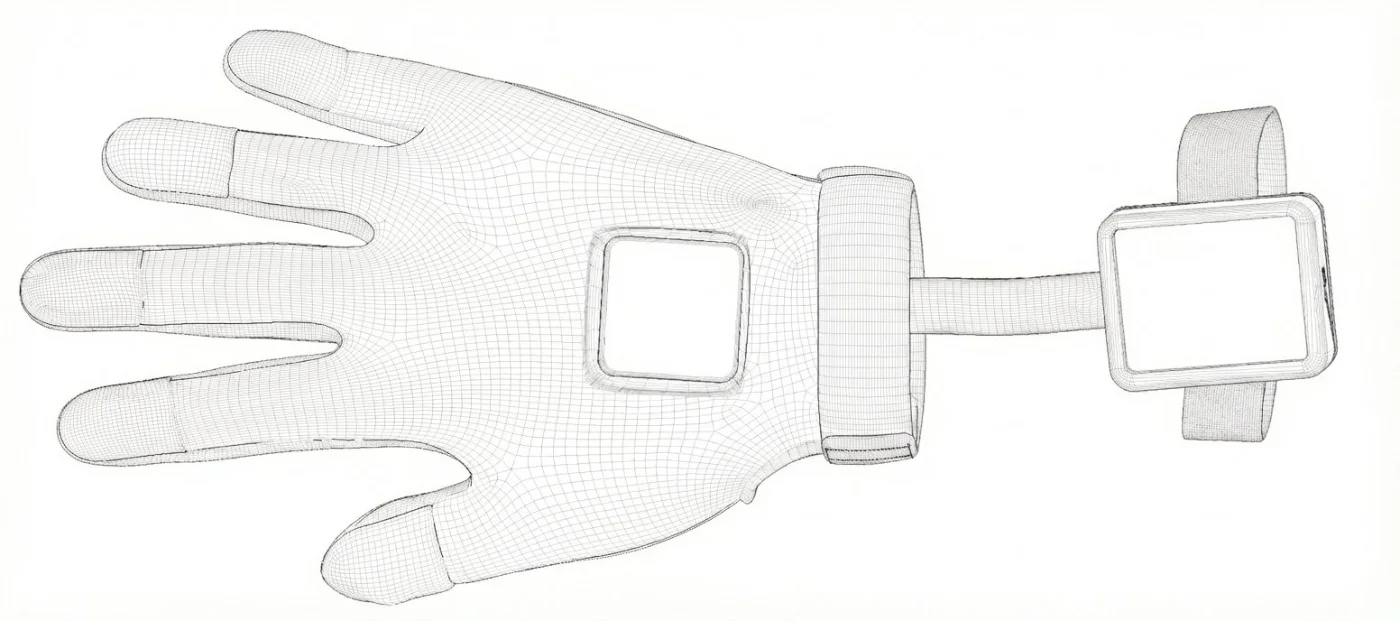
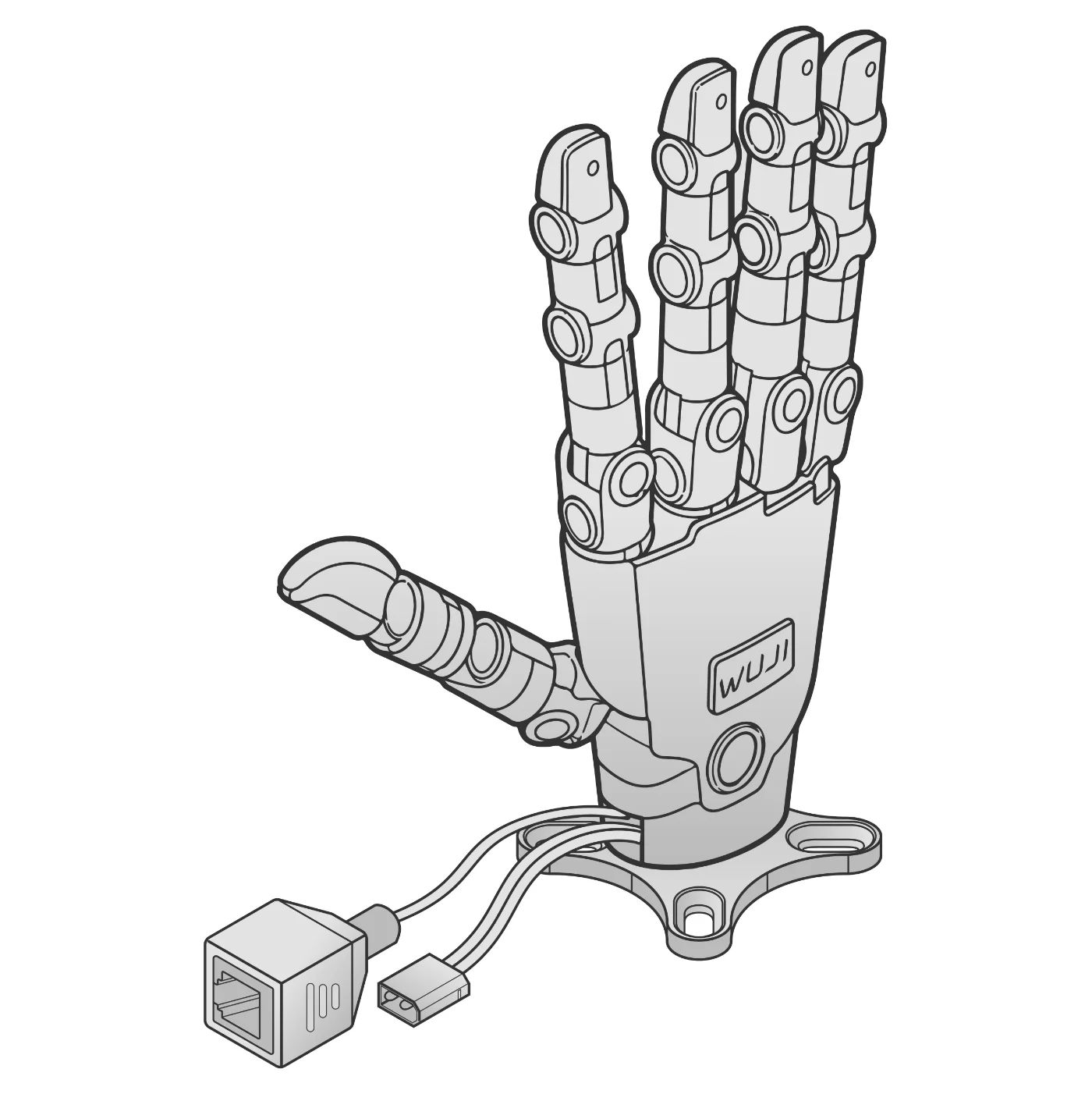
Hand keypoints from the glove are retargeted to 20 joint angles so the hand follows your fingers in real time.
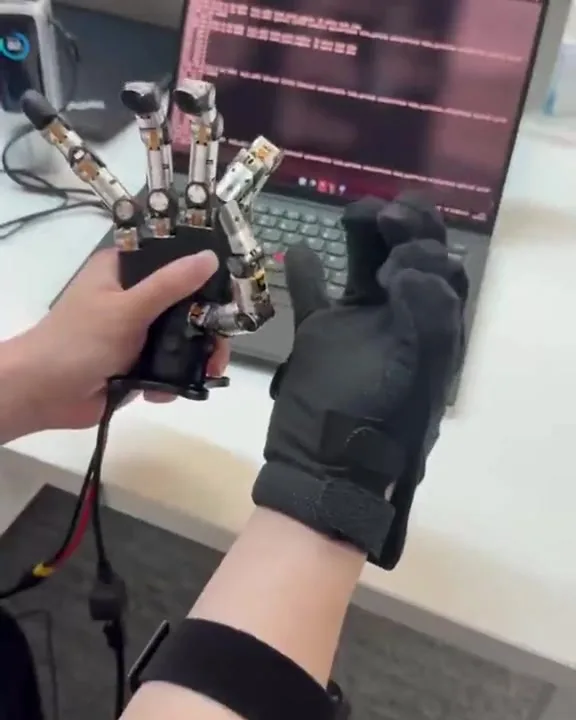
What you need
Make sure you have everything before you start.
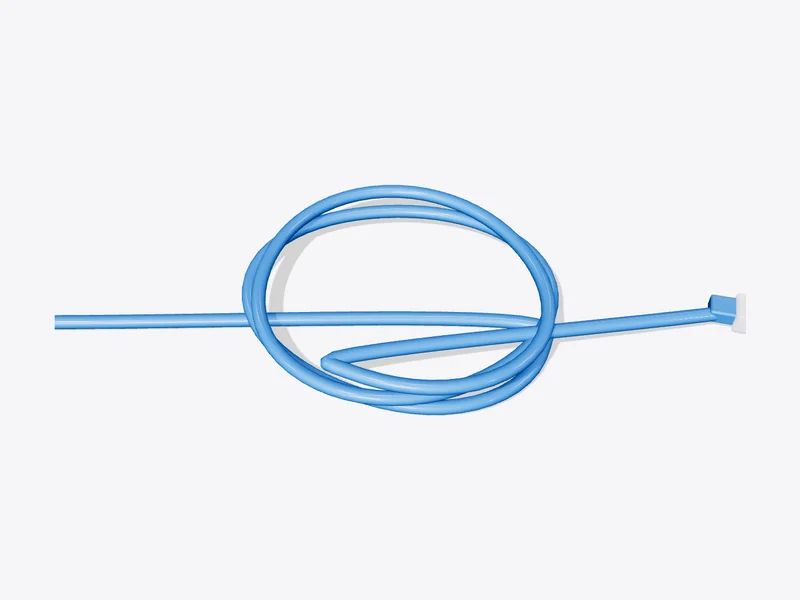
Steps
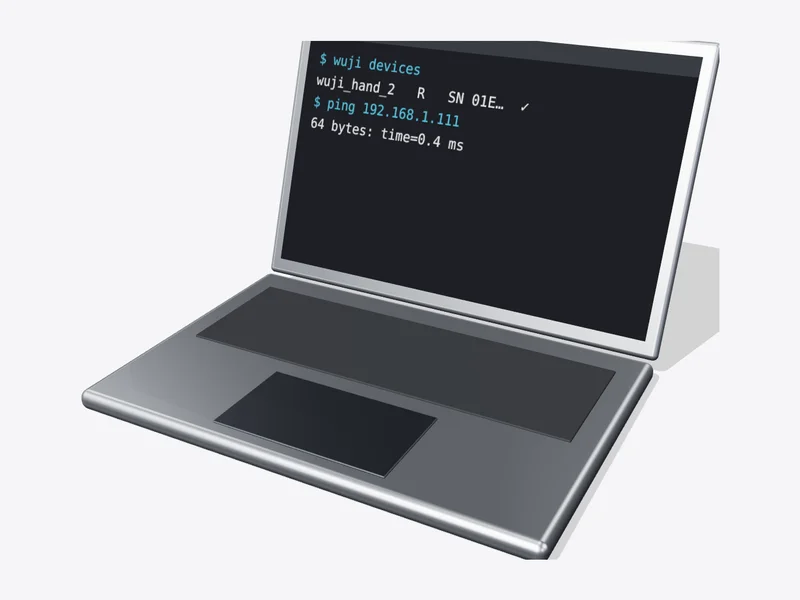
- PC192.168.1.50
 HUB
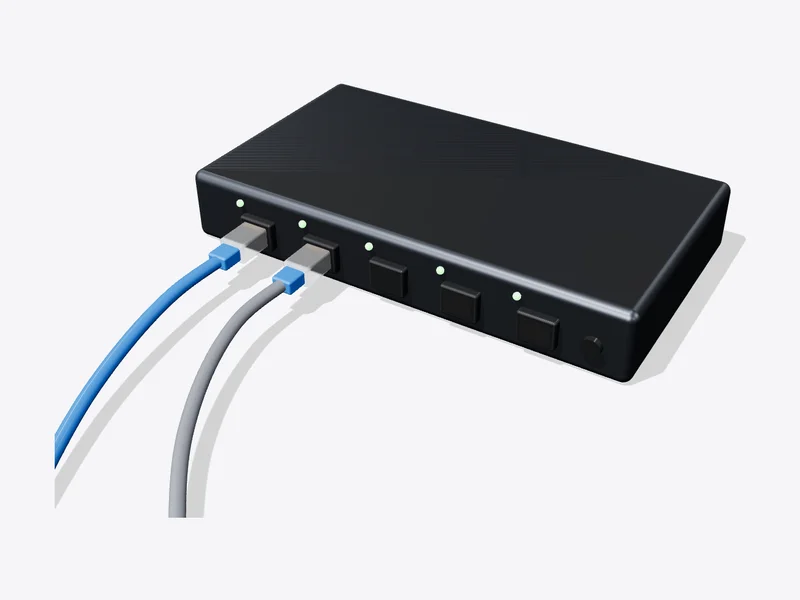 Glove192.168.1.101
 Hand 2192.168.1.111
- Terminal$ wuji devices# wuji_glove right SN …# wuji_hand_2 right SN …2
See both
Same side for both.
- Terminal$ git clone https://github.com/wuji-technology/wuji-sdk.git$ cd wuji-sdk/examples/python/retargeting$ pip install wuji-sdk numpy
- 5
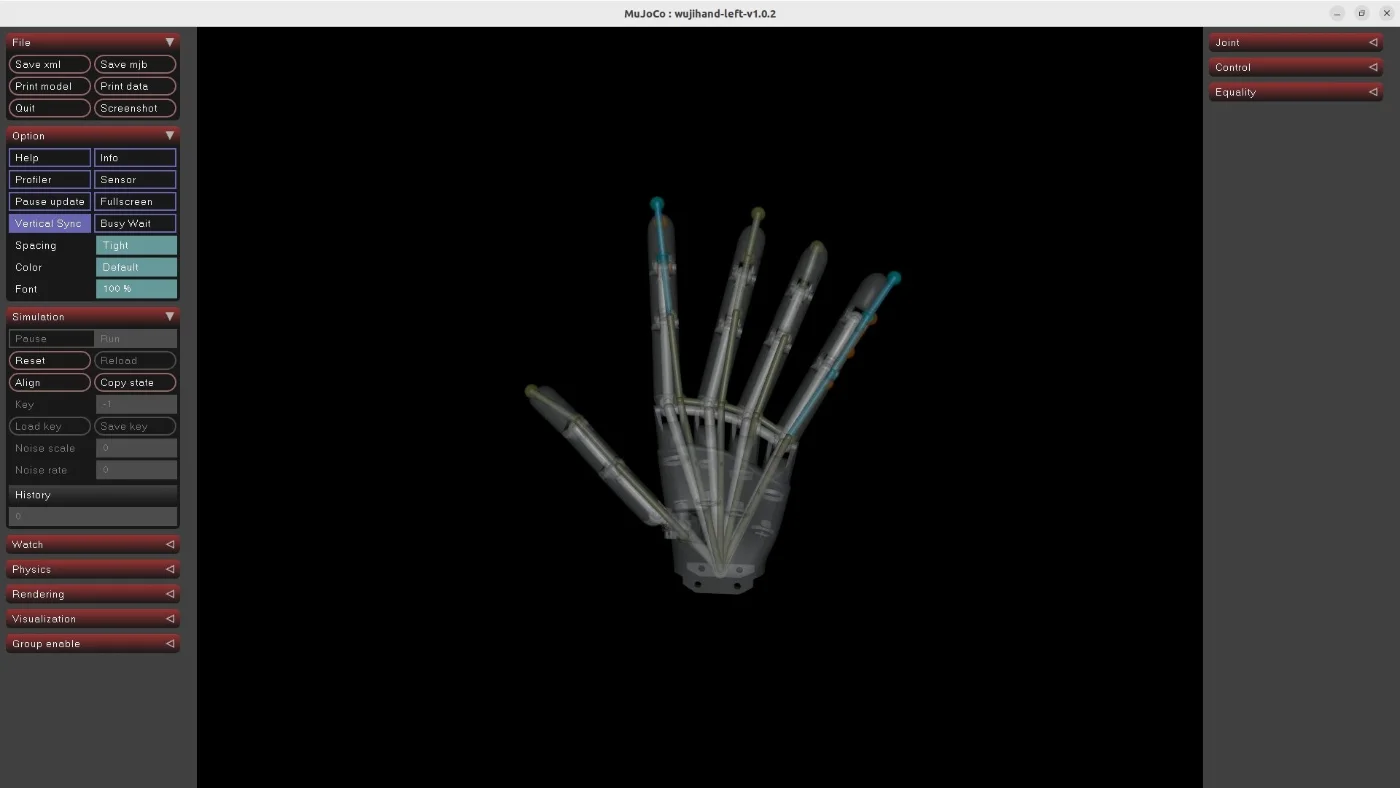
The hand follows
Stop with Ctrl+C.
✓
DoneDone when the hand follows your fingers.