 Documentation
Capture data with Wuji Glove
Connecting the data board, network setup, wearing the glove and reading your first data.
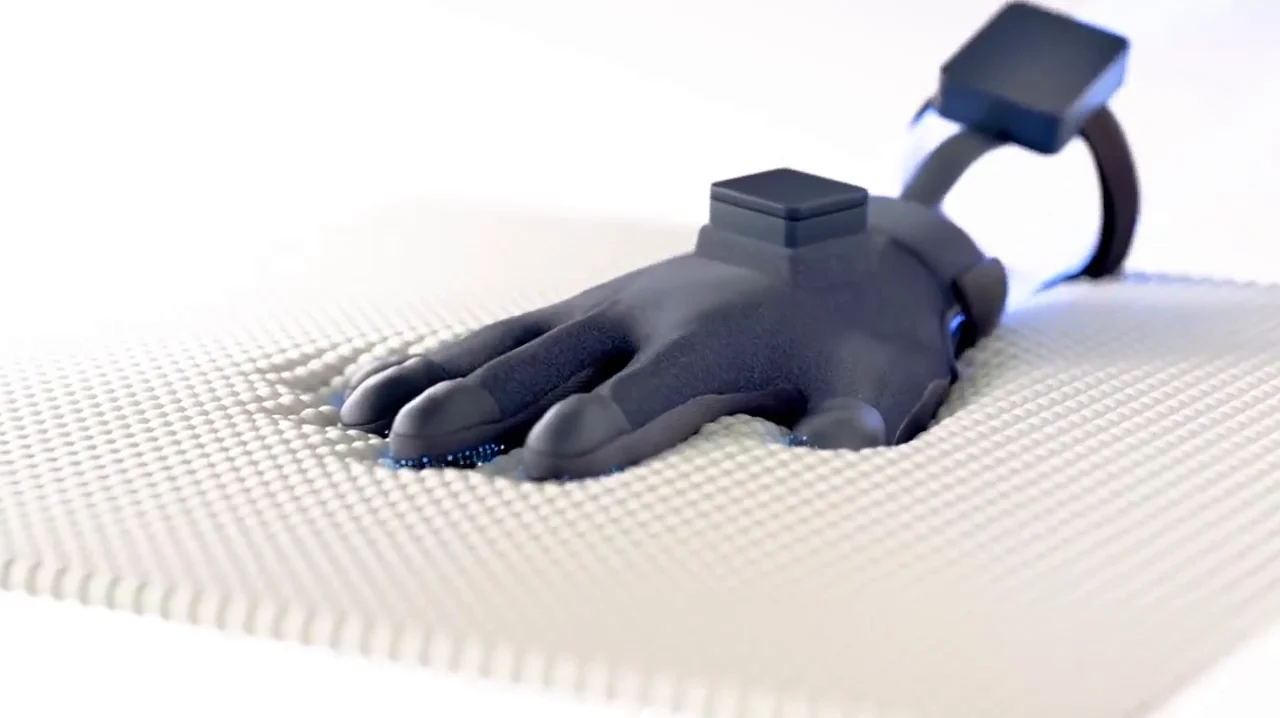
What you need
Make sure you have everything before you start.
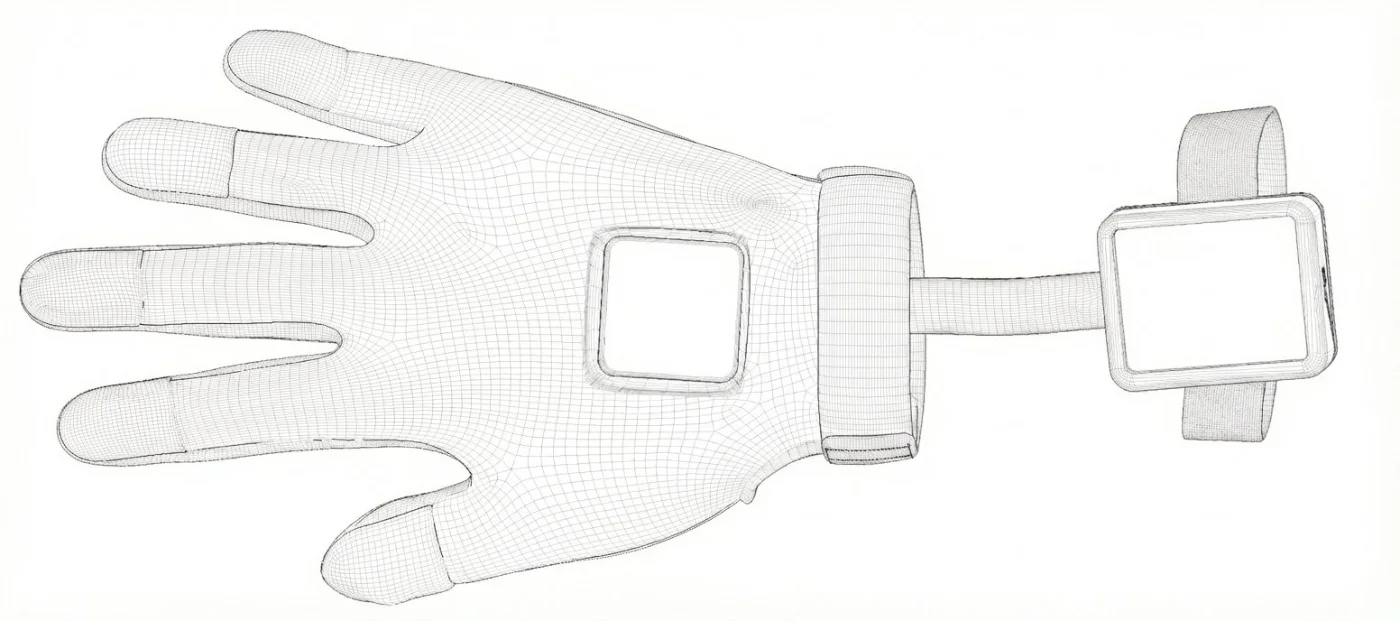
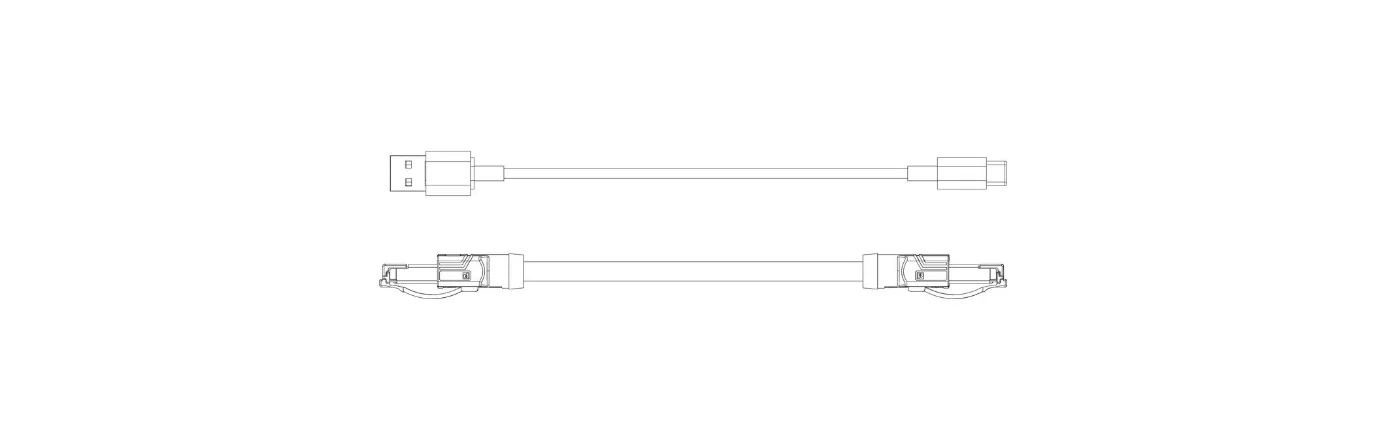
Steps
- Terminal$ pip install wuji-sdk$ curl -fsSL https://get.wuji.tech/cli | bash1
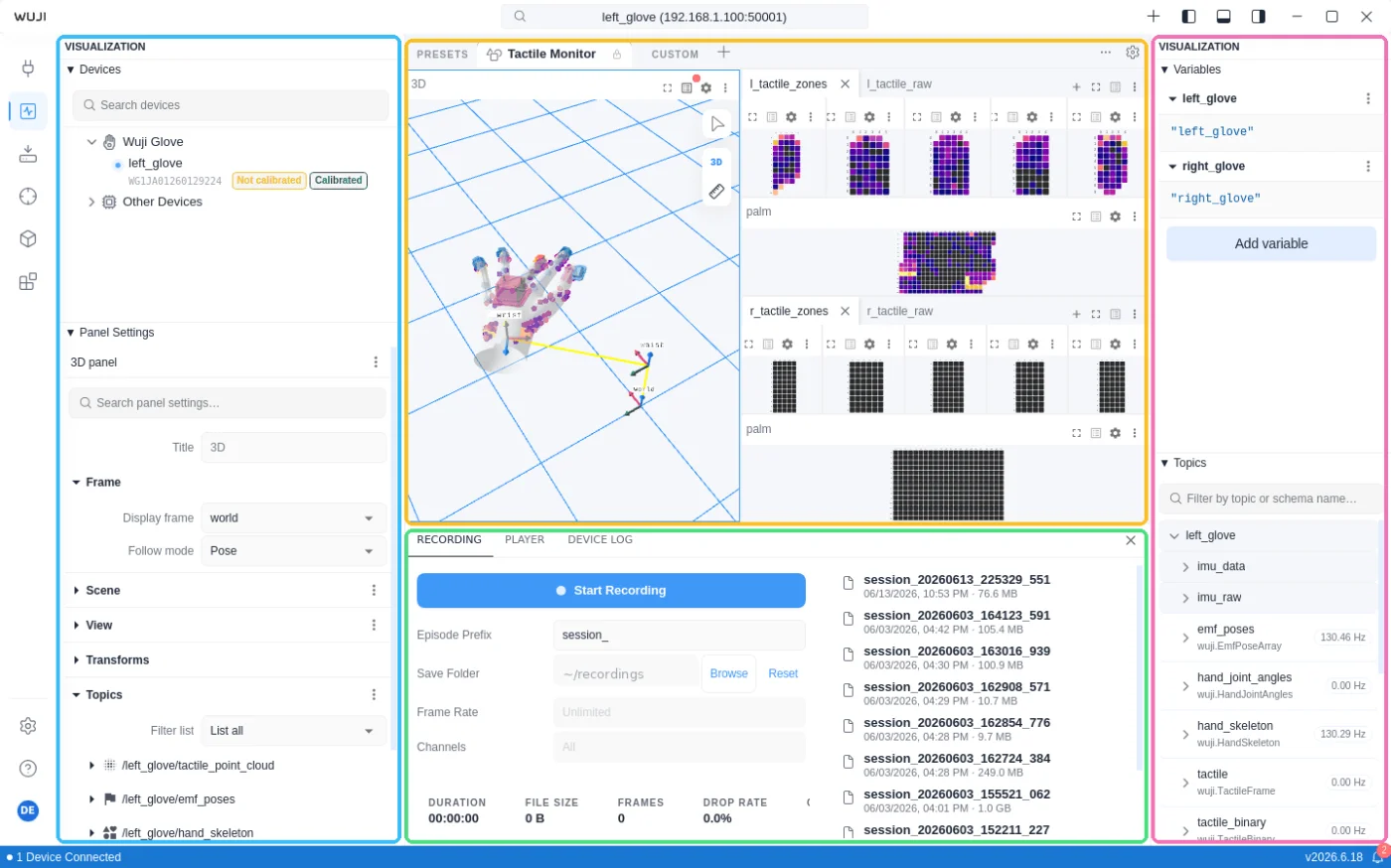
Install the software
SDK, CLI and Wuji Studio.
 2
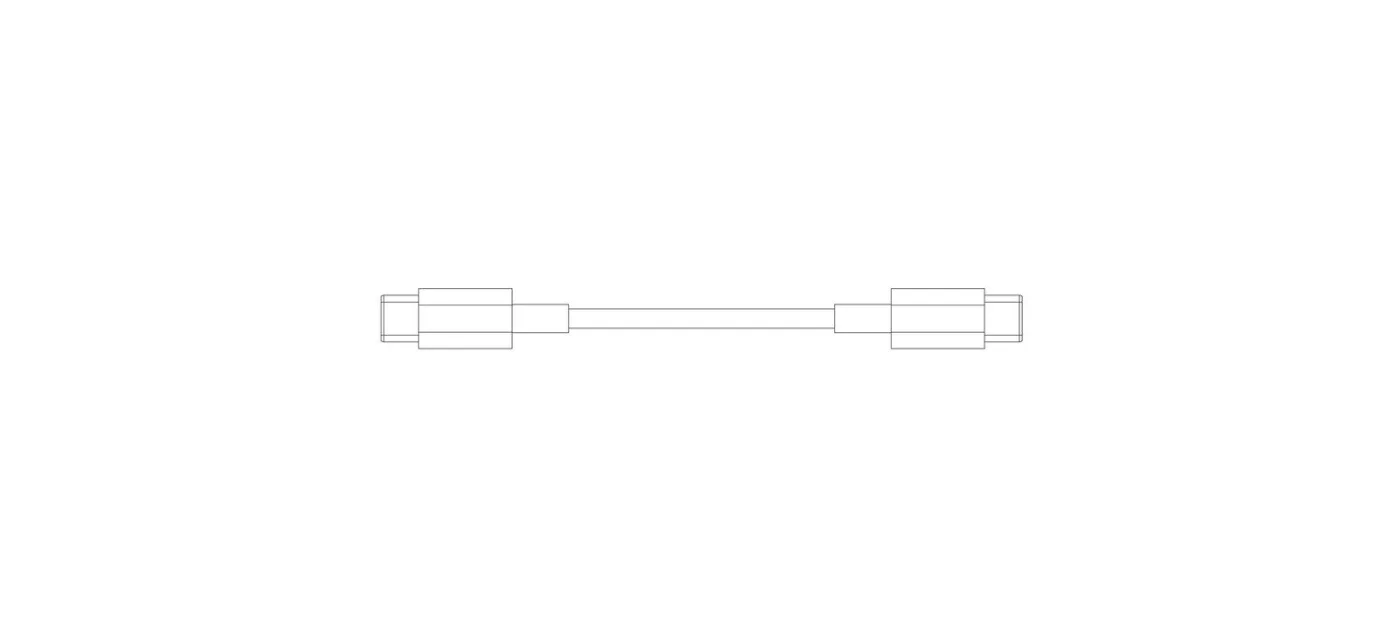
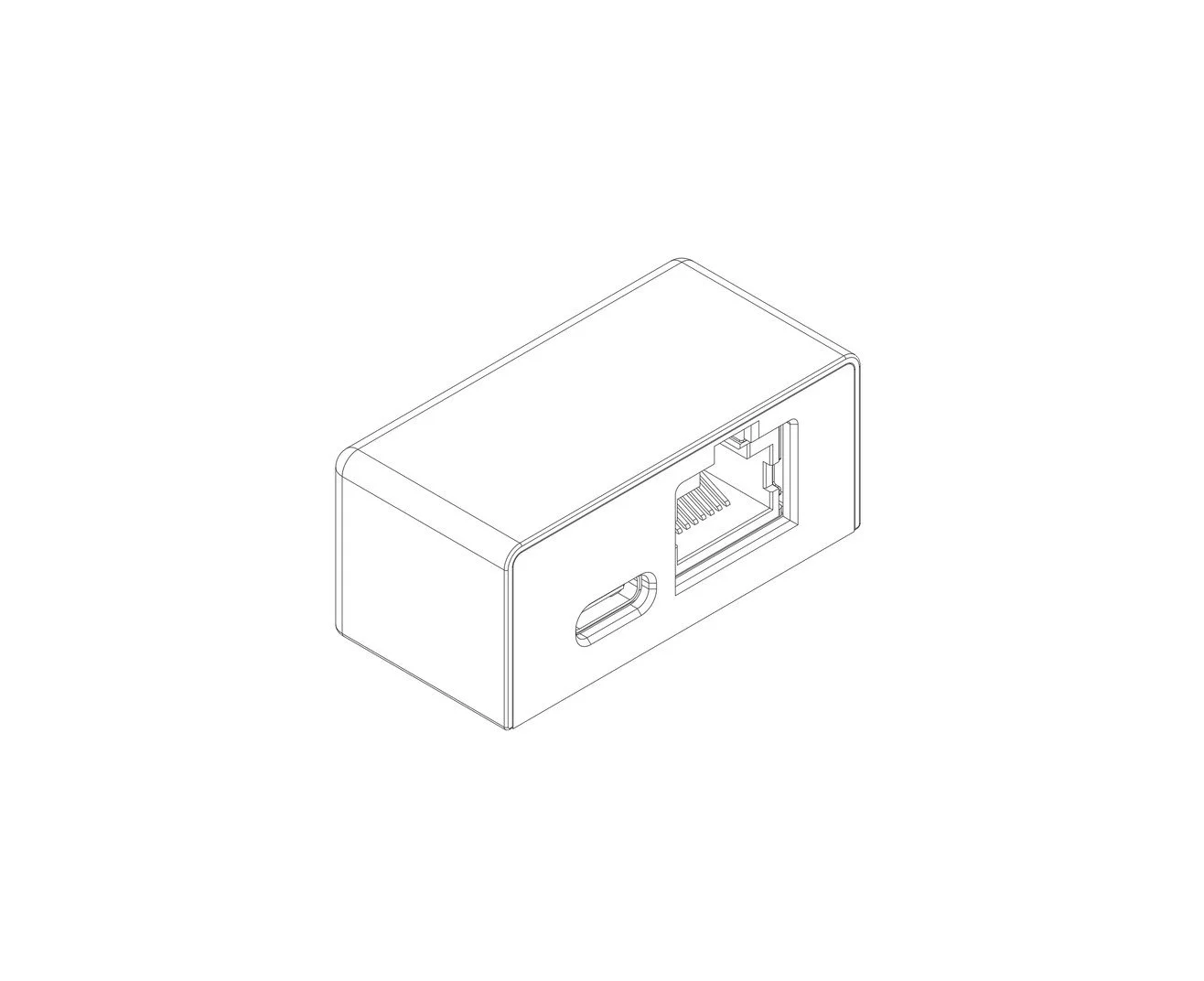
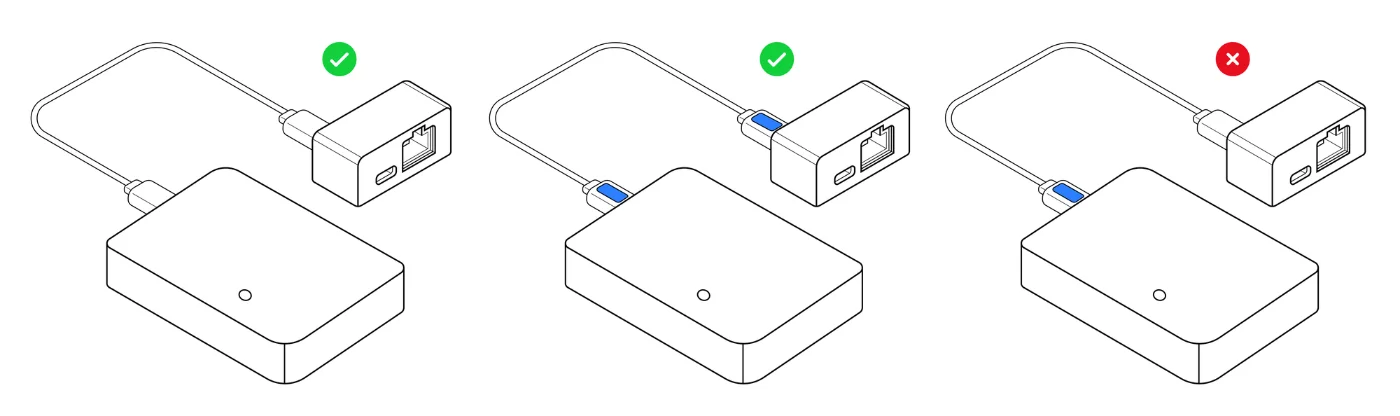
Connect the board
Keep the white labels on the same side.
 3
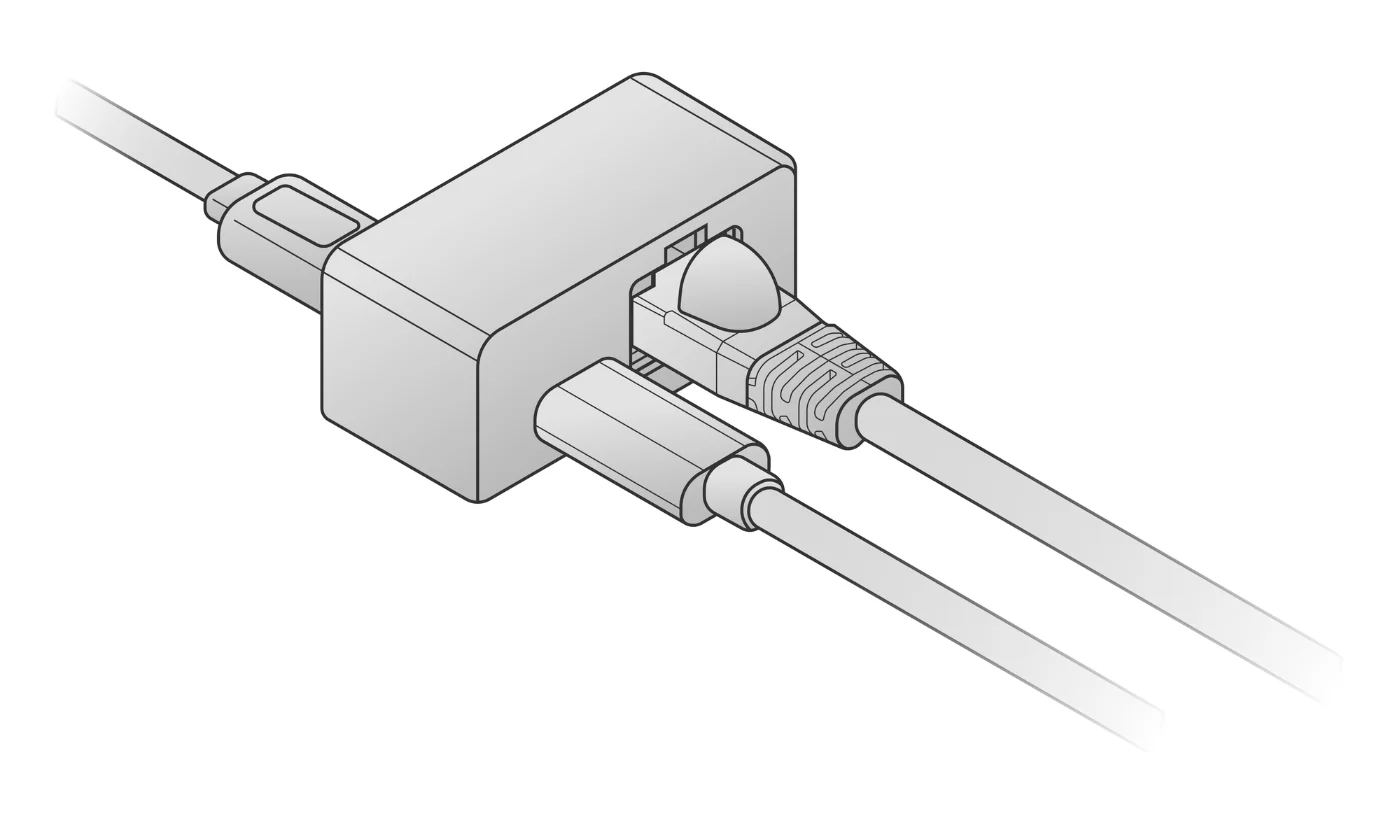
LAN and power
LAN to the PC, USB to power.
- PC192.168.1.50
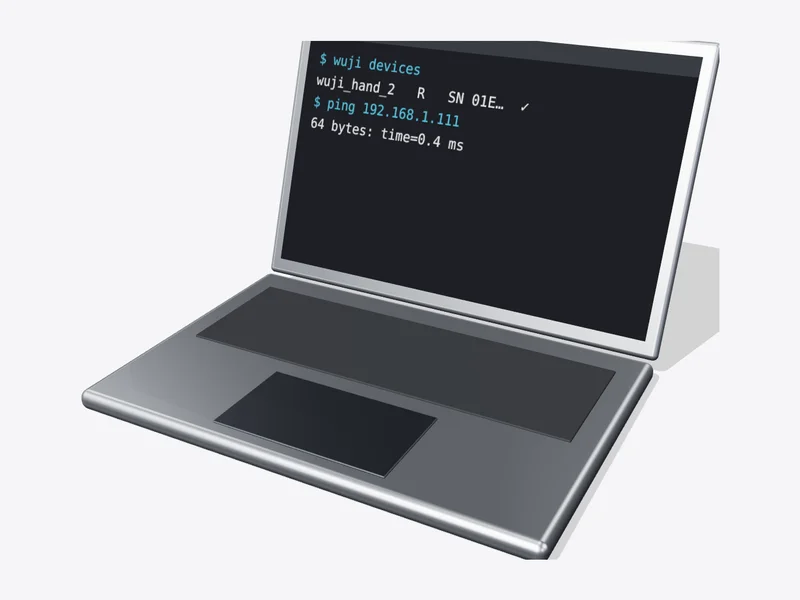 Left192.168.1.100Right192.168.1.101
 5
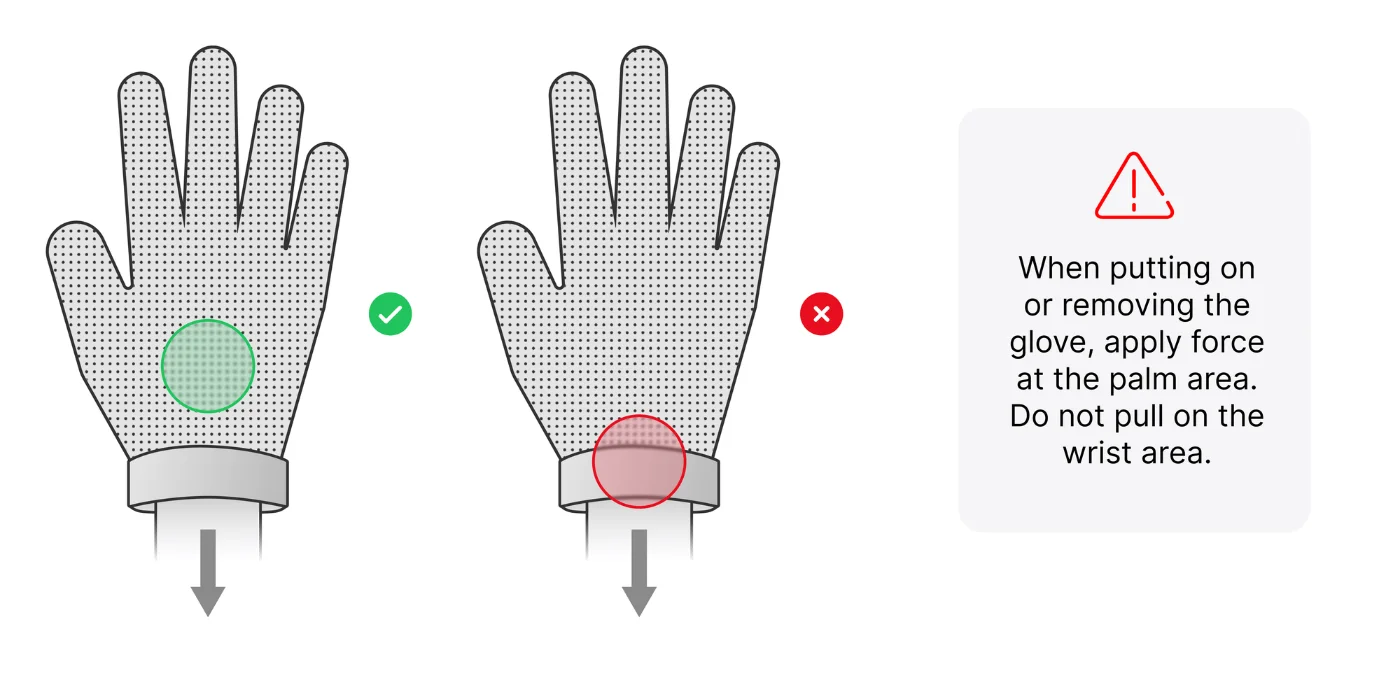
Put it on
Hold the palm area; never pull the wrist.
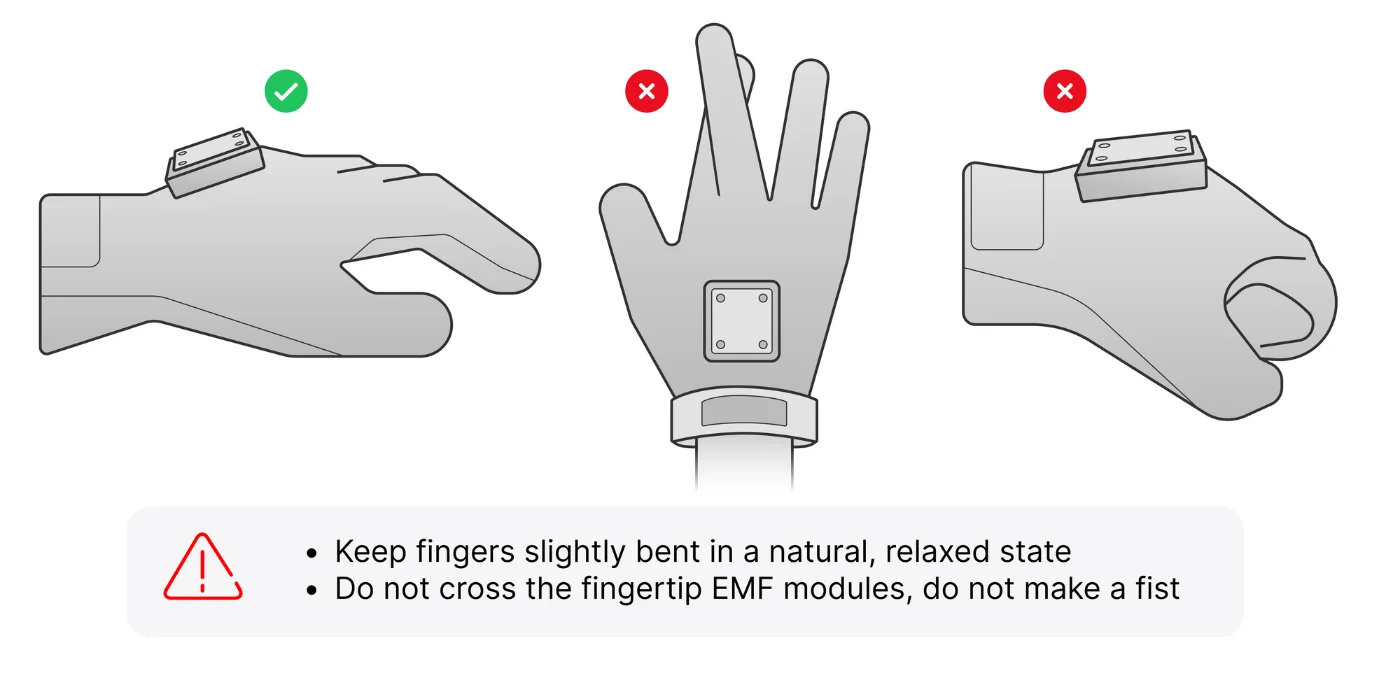 6
Relax your fingers
Slightly bent; don't cross the fingertips.
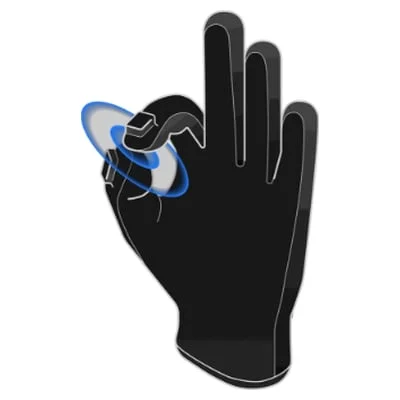
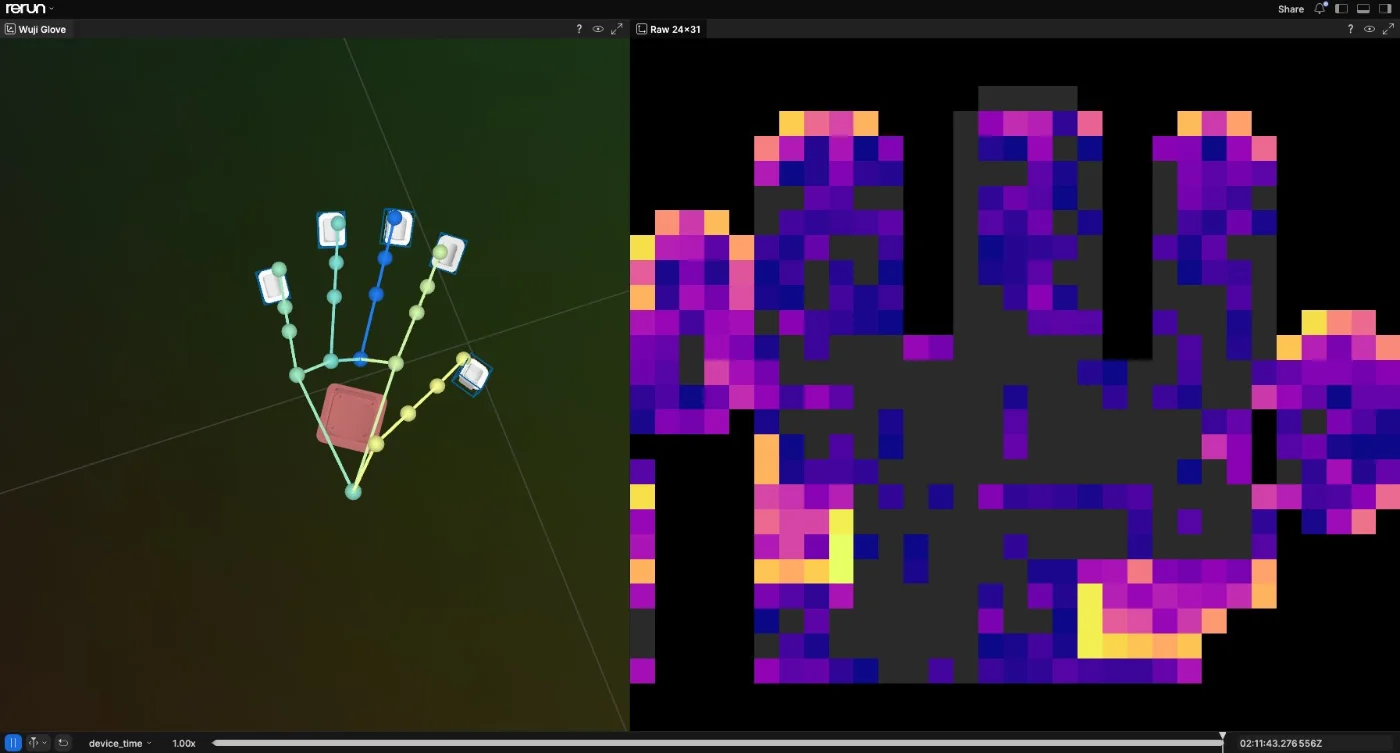
✓

DoneDone when finger and touch data update continuously.