 Documentation
Run Wuji Hand 2 for the first time
From unboxing to connecting a PC, the first safe motion and a firmware update.

What you need
Make sure you have everything before you start.
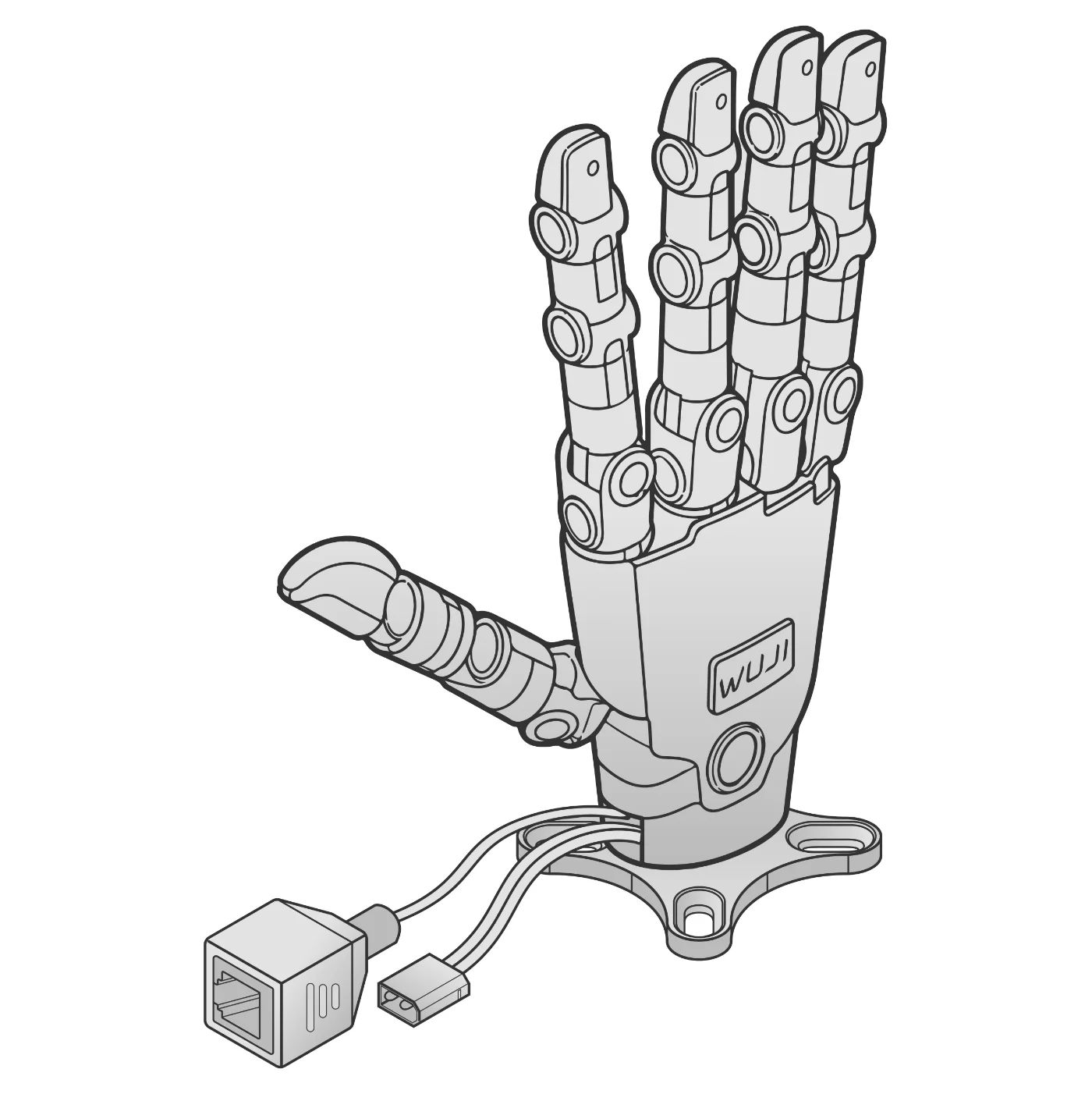
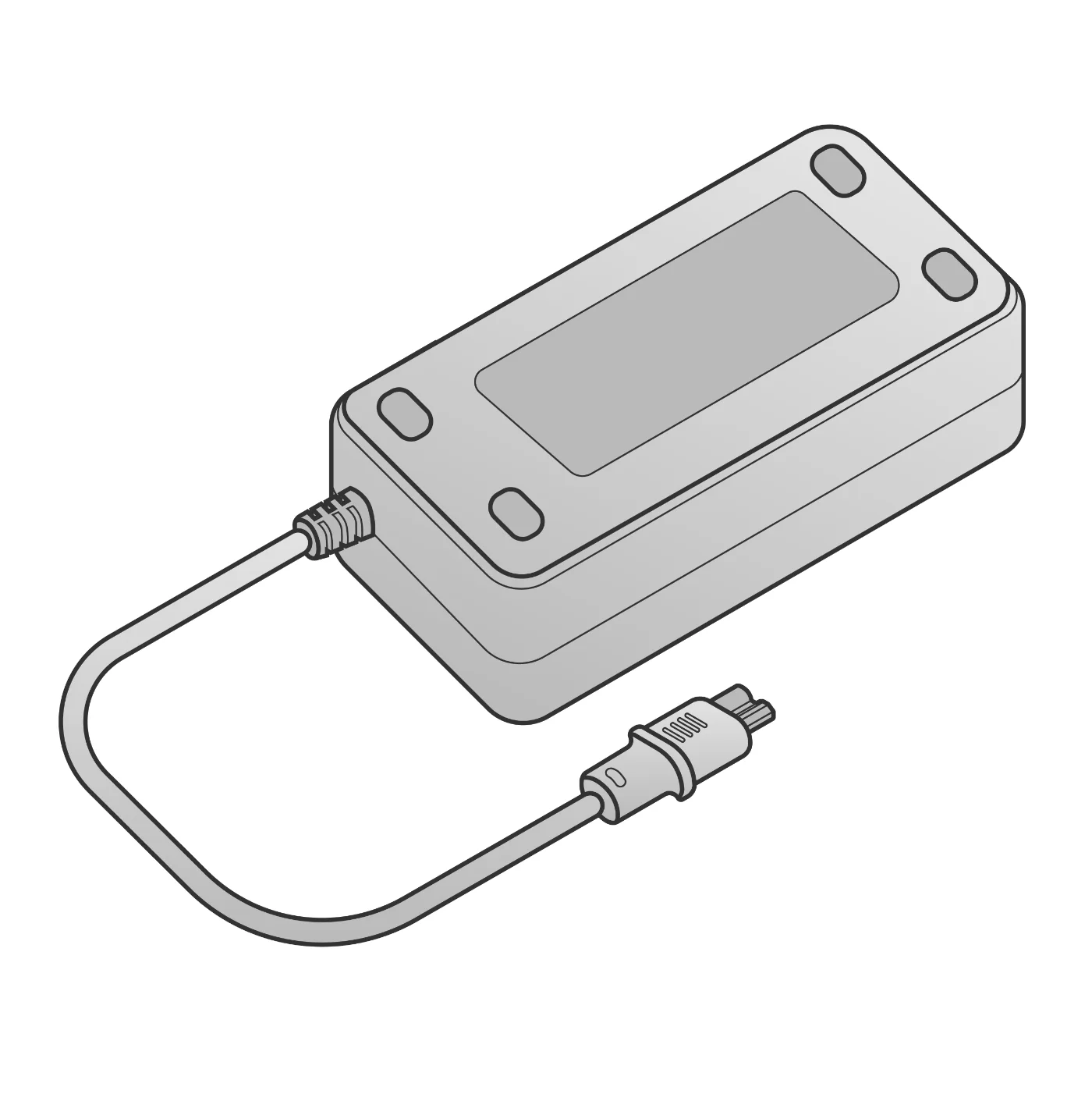
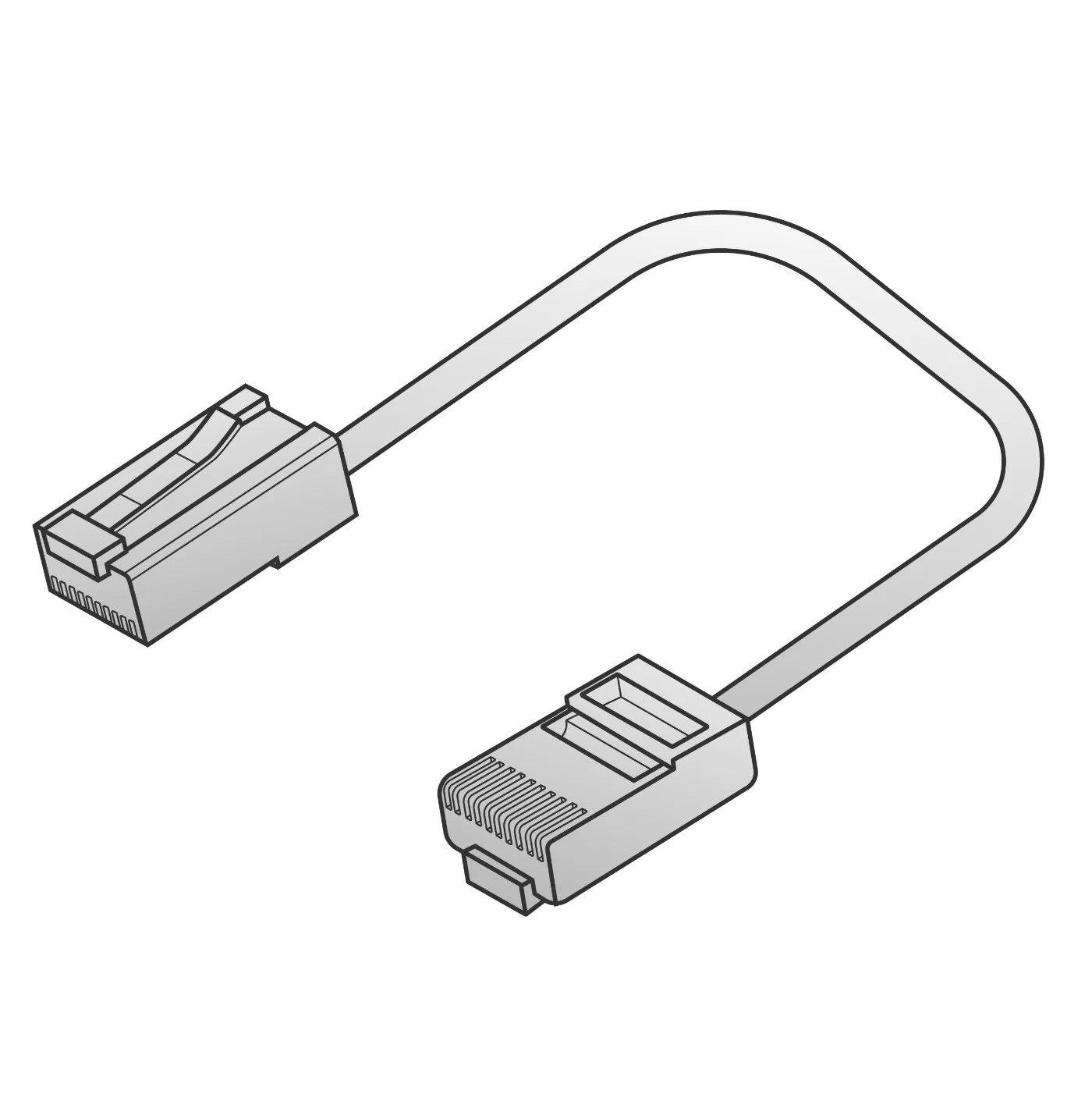
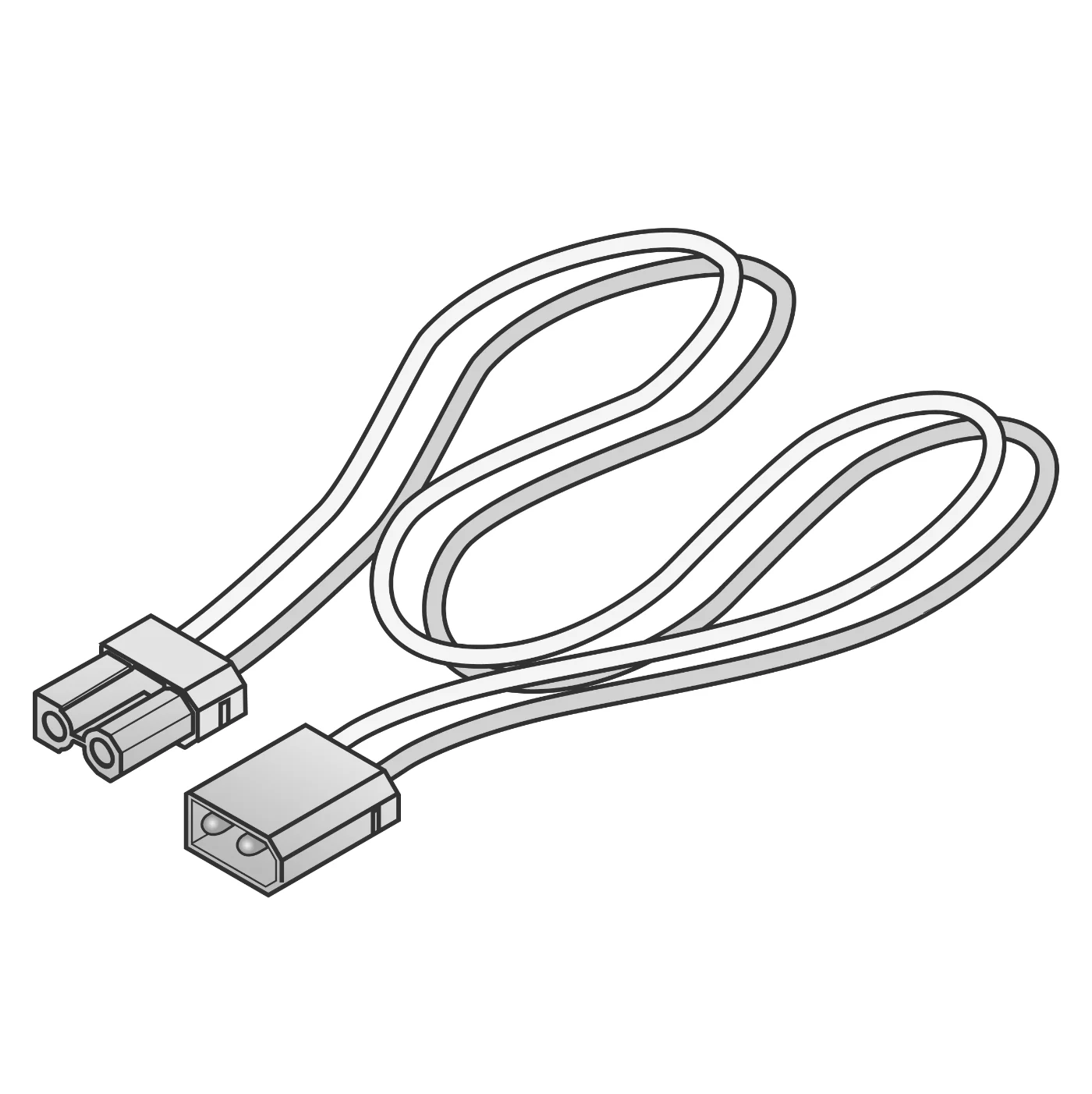
Steps
Adapter 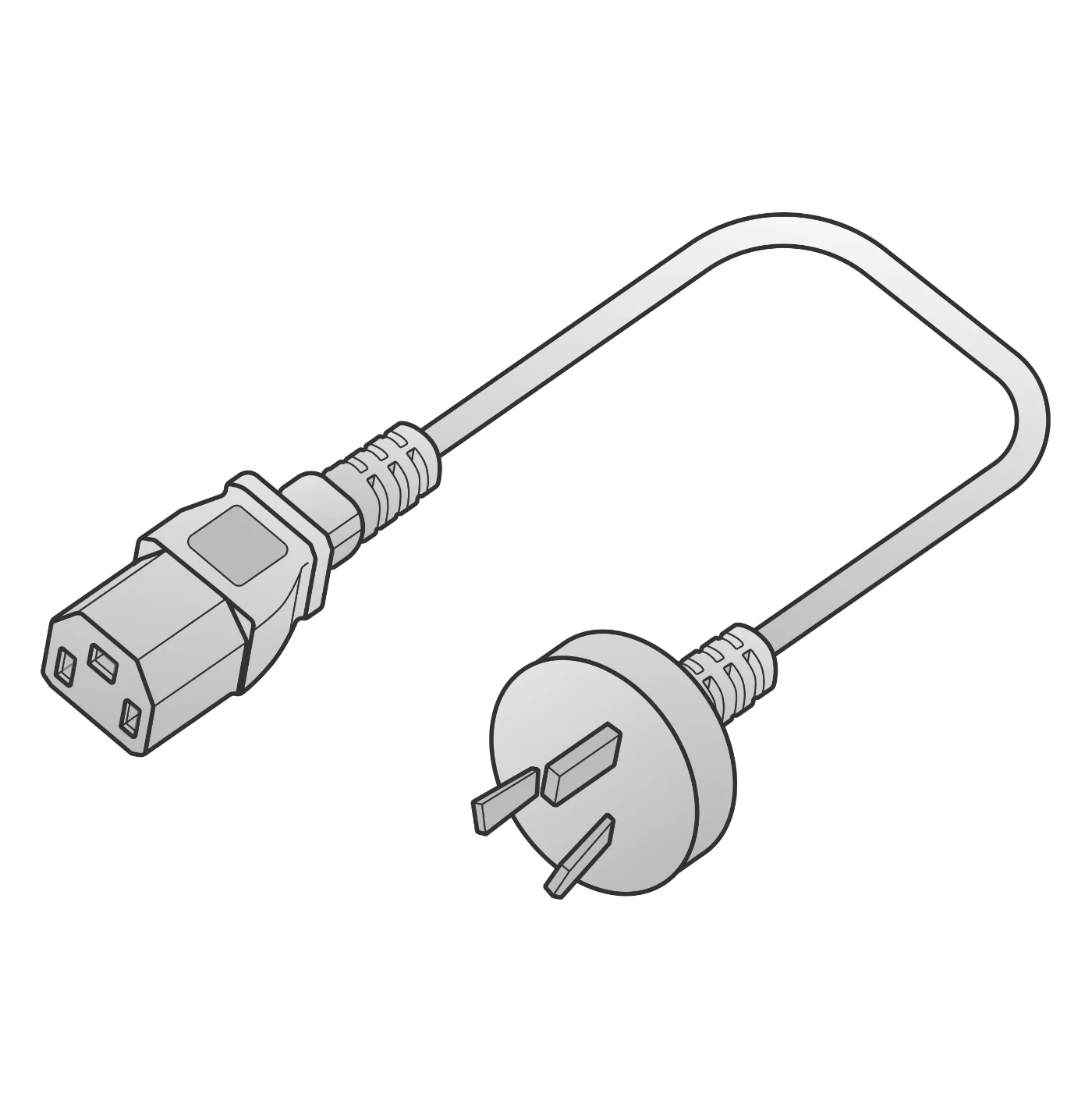
AC cable RJ45 XT30 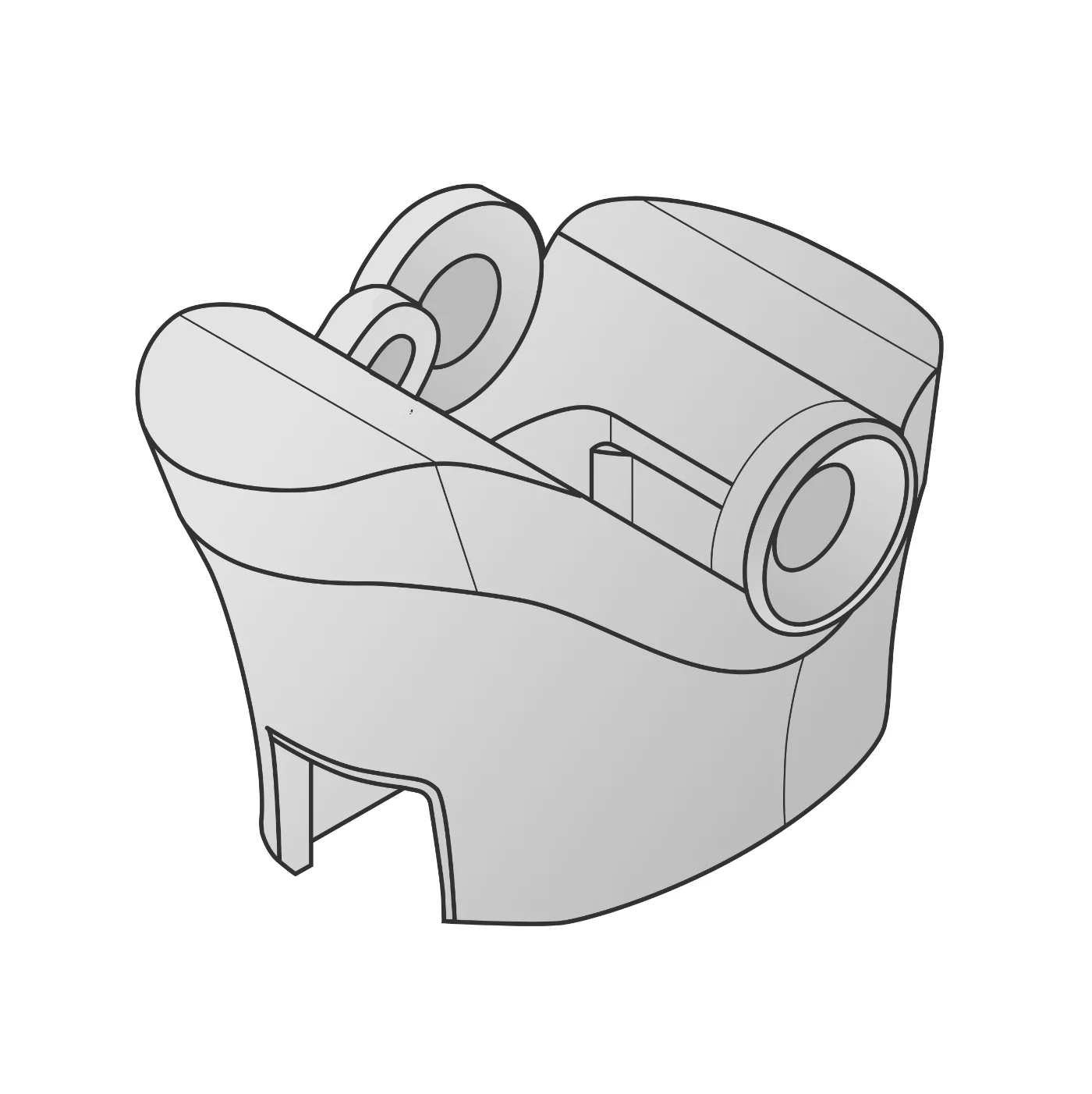
Adapter mount 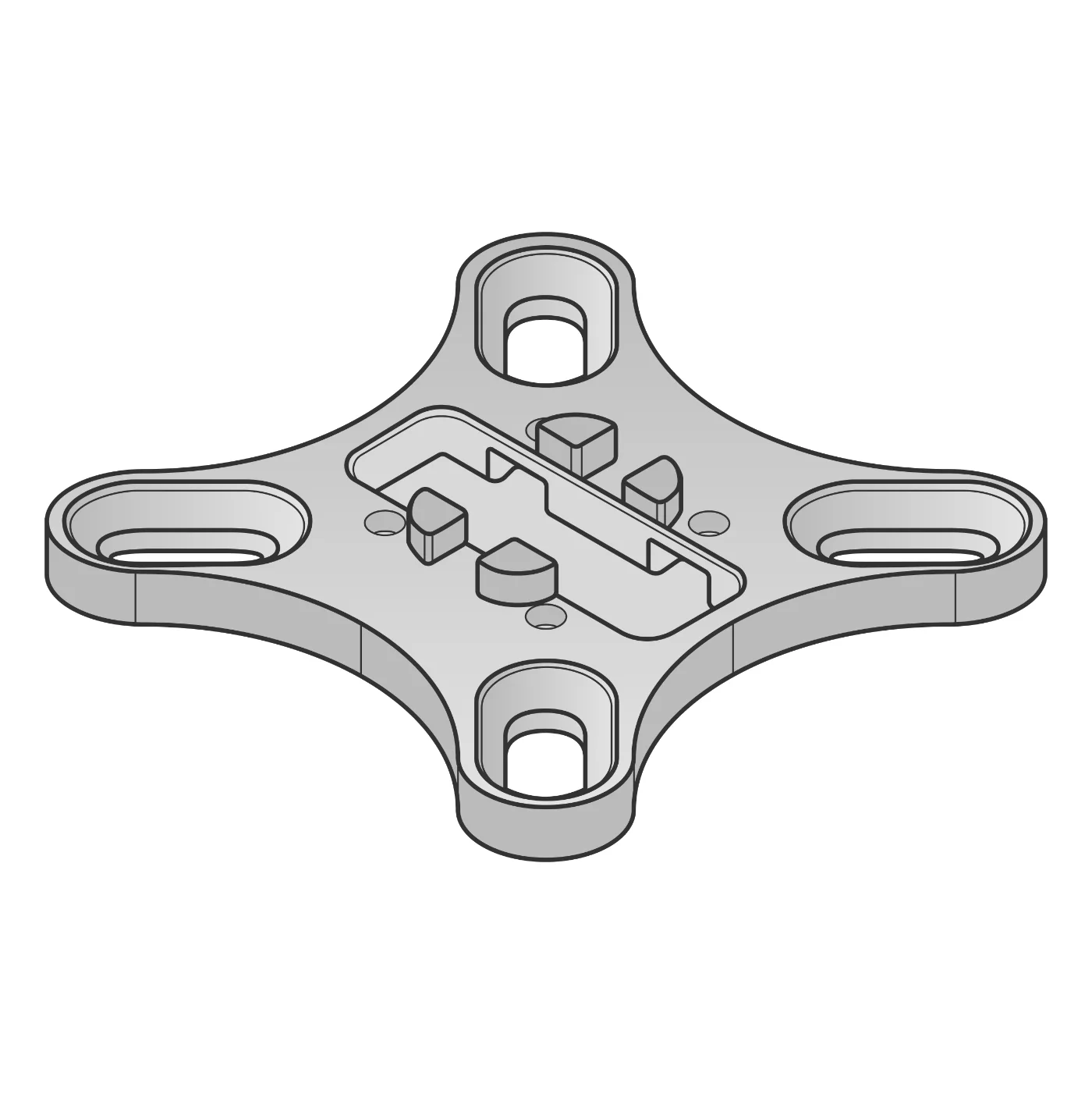
Adapter flange 1Check the box
All six items are there.
- Terminal$ pip install wuji-sdk$ curl -fsSL https://get.wuji.tech/cli | bash
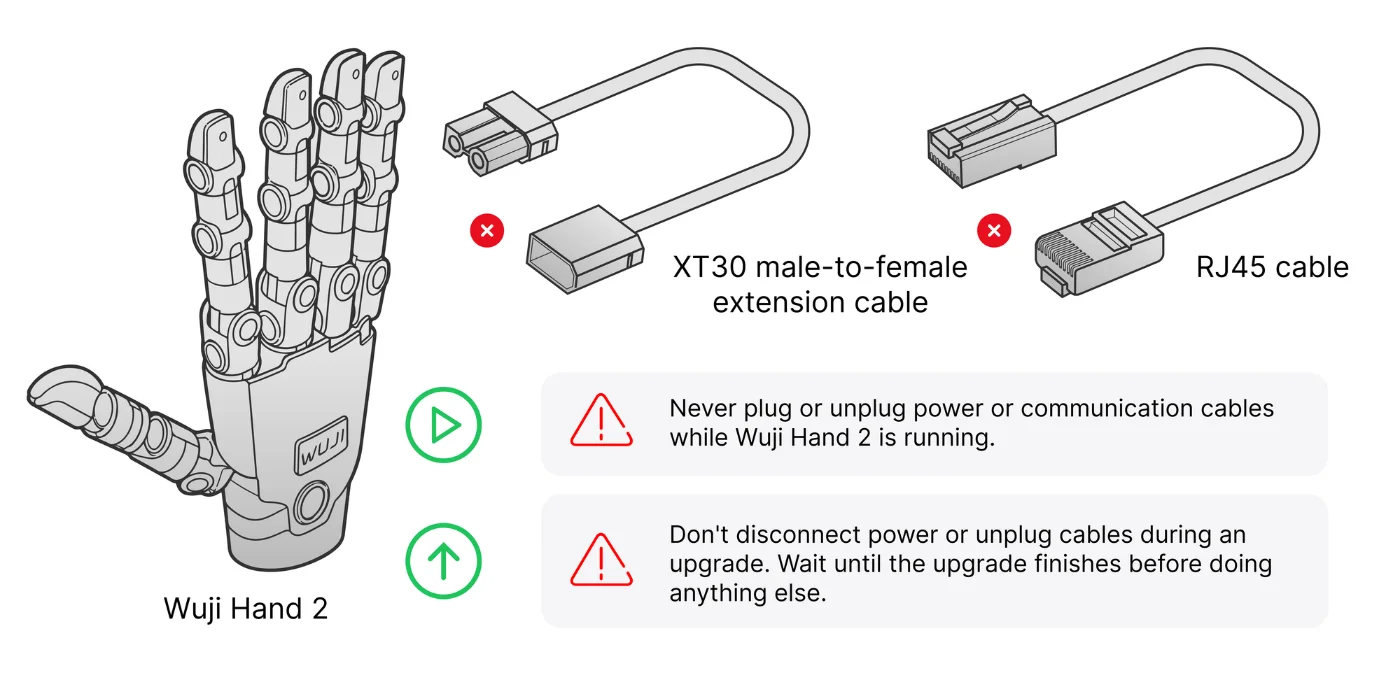 3
Connect
RJ45 to the PC. XT30 hand side first, power last.

Blue = self-check 
White = ready 4Watch the light
Breathing white means ready.
- PC192.168.1.50Left192.168.1.110Right192.168.1.111
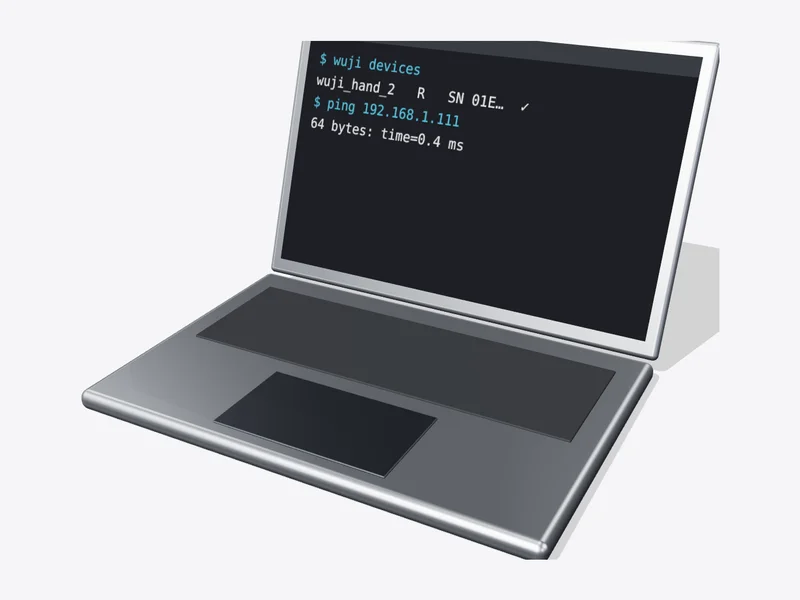
- Terminal$ wuji devices$ wuji ping# wuji_hand_2 SN … FW … ✓6
Find it
Model and serial appear.
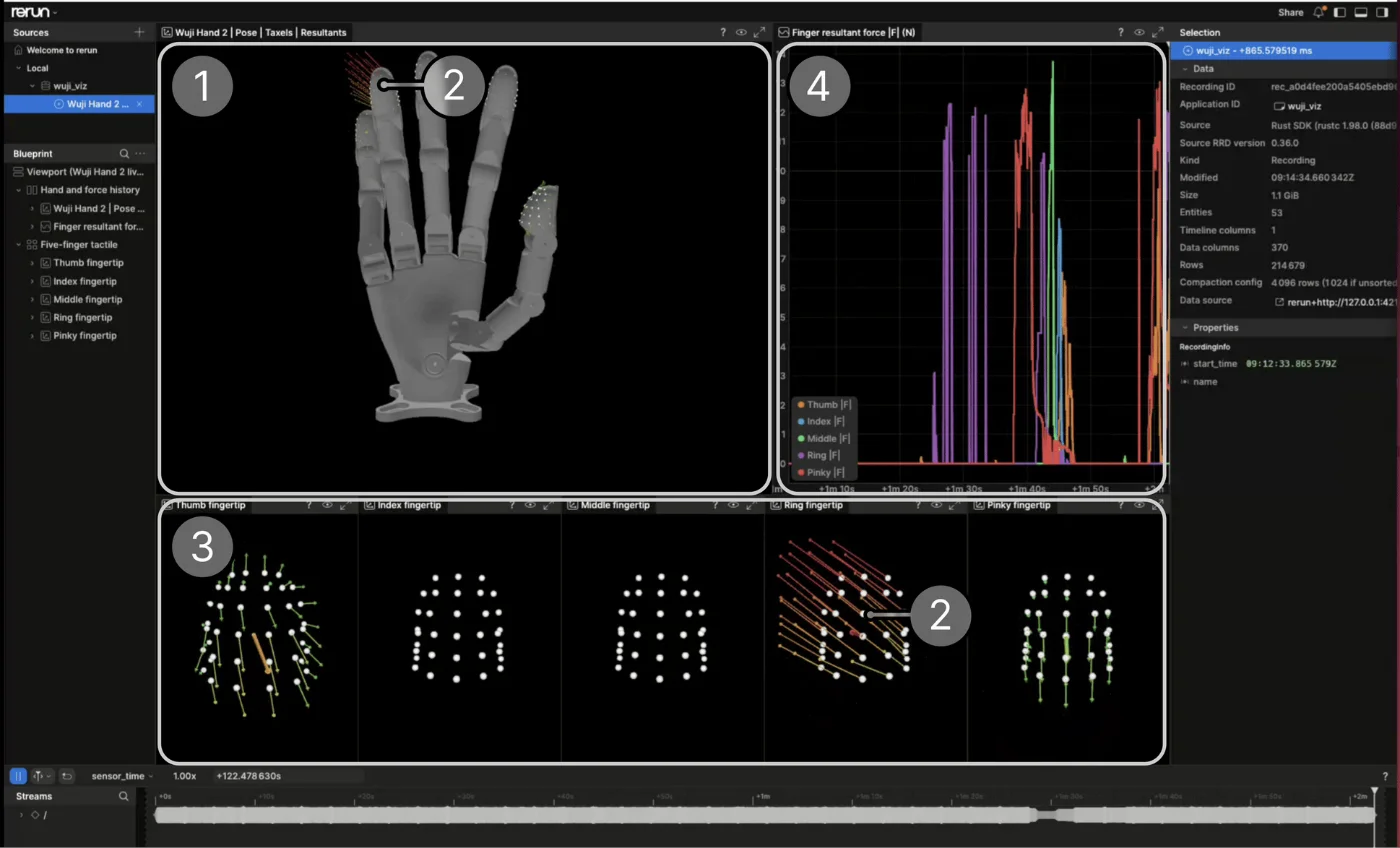
- Terminal$ wuji upgrade --check$ wuji upgrade --all
✓
DoneAll 20 joints online, no errors, moves to zero.